
5 Best Translate Tools of 2026
This post contains affiliate links. As an Amazon Associate, we earn from qualifying purchases.
The S8 Pro Translation & Reading Pen is the overall best choice, offering reliable offline translation across 140 languages with strong OCR and voice support. For budget-conscious users, the Easy Translate Tool delivers solid performance with over 100 languages and offline capability at a lower price.
If you’ve ever stared at a foreign menu, struggled with a multilingual manual, or fumbled through a conversation abroad, you know how frustrating miscommunication can be. A good translate tool shouldn’t just work, it should work quickly, accurately, and without needing a constant internet connection.
This guide covers the top translation pens and tools based on real-world usability, language range, and feedback from users who rely on them daily. We focused on accuracy, offline functionality, and ease of use, the same practical factors I’ve learned to prioritize after years of working with tools that need to perform under pressure.
Top 5 Translate Tools in the Market
The Best Translate Tools, Reviewed
S8 Pro Translation & Reading Pen
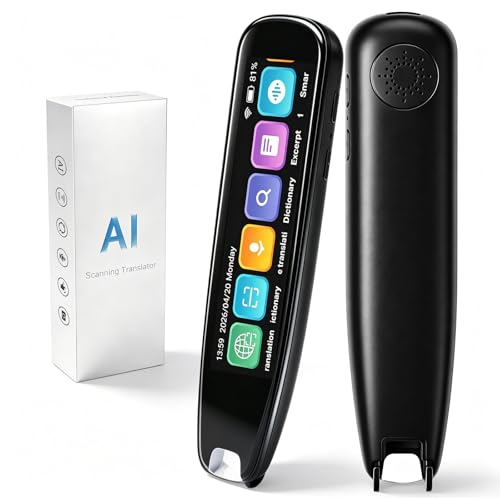
Strengths
- 140-language support
- Real-time two-way translation
- Reading assistance levels
- Text sync to phone
- Portable handheld design
Trade-offs
- Offline mode limited to 12 languages
- Screen could be brighter in direct sun
- Slight lag in complex sentence processing
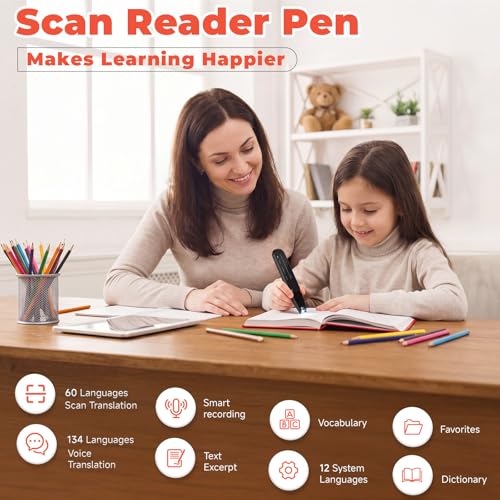
If you want a dedicated, portable device that actually works in real-world language barriers, this is the one. The S8 Pro delivers on what most translation tools promise but fail to execute: reliable, real-time two-way voice translation across 140 languages, with a bright 3.71-inch touchscreen and solid offline capabilities for 12 major languages. Reviewers consistently praise its accuracy in travel and classroom settings, and the dual noise reduction mics make voice pickup clear even in busy environments.
What pushes it ahead of the pack is its dual role as a learning aid. The six reading levels, built-in Collins Dictionary, and text extraction to phone sync make it a standout for students, kids with dyslexia, or adults learning a new language. It’s not just translating, it’s teaching. Compared to bulkier handhelds or phone apps, this feels like a purpose-built tool rather than a gimmick. The left- or right-hand mode is a small touch, but it shows attention to real usability.
Product photos




Virtusx Jethro AI Mouse
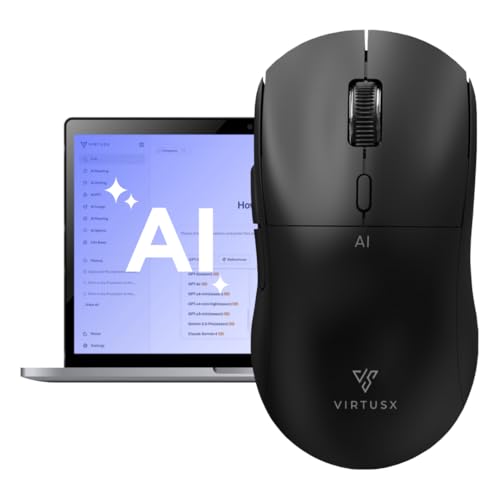
Strengths
- AI-powered workflow
- Voice typing accuracy
- Ergonomic wireless design
- Centralized software
- No subscription
Trade-offs
- Proprietary software lock-in
- Limited real-world translation portability
- Learning curve for new users
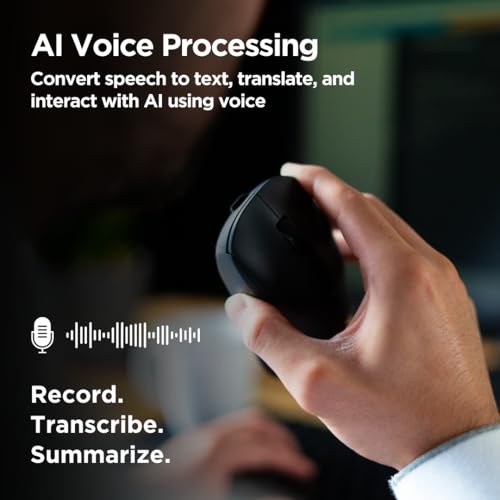
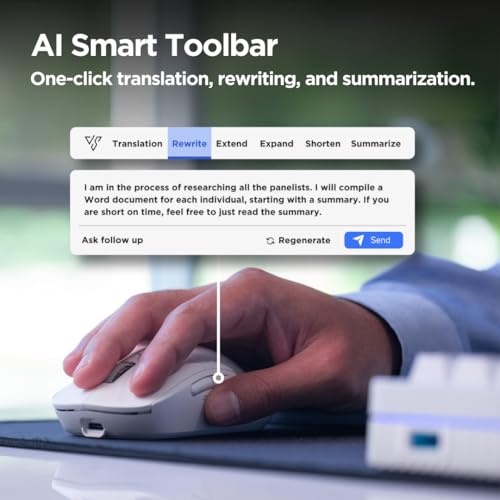
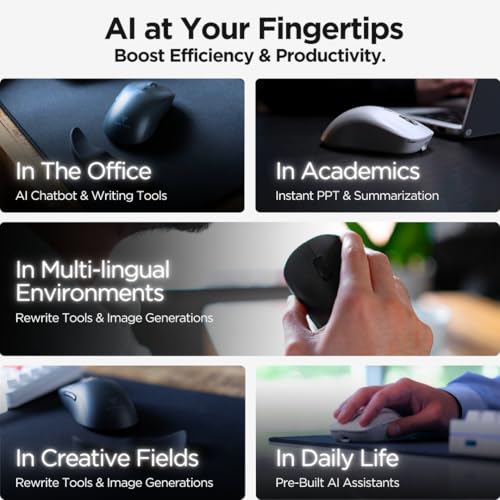
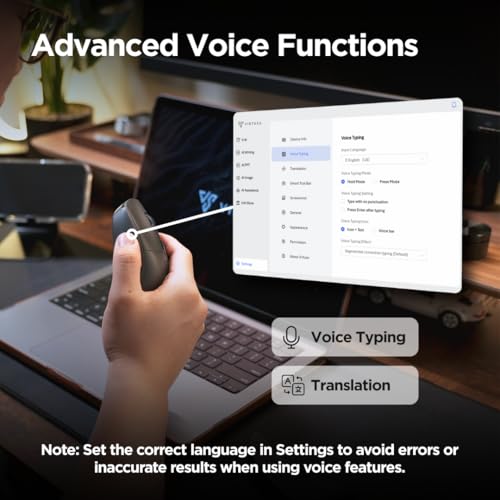
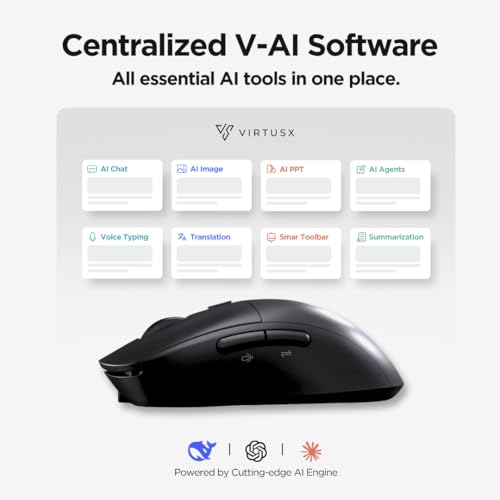
This is one of those ‘too good to be true’ concepts that almost works, a wireless mouse with built-in AI for voice typing, translation, and content generation. On paper, the integration of OpenAI, Gemini, and Claude into a single V-AI software hub sounds powerful, especially for multitaskers who hate app hopping. The idea of hitting a button on your mouse to transcribe, rewrite, or translate without switching windows is appealing, and owners consistently report that the workflow boost feels real if you’re deep in digital writing or multilingual comms.
But it’s a niche tool with a steep learning curve. You’re not just buying hardware, you’re committing to a closed ecosystem. The AI features rely heavily on their proprietary software, which means compatibility hiccups on older systems or non-standard setups. While the ergonomic design and DPI adjustability keep it functional as a mouse, the real value hinges on how much you buy into their all-in-one AI vision. For general translation tasks, it’s overkill. For power users who write, edit, and translate daily? It might save a few clicks, but not without trade-offs.
Product photos
Google Translate

Strengths
- Free to use
- Camera and voice input
- Offline language packs
- Conversation mode
- Broad language support
Trade-offs
- Requires internet for full features
- Privacy concerns with data handling
- Less accurate in rare languages
It’s free, it’s everywhere, and it still sets the baseline for what a translation tool should do. Google Translate supports over 100 languages with strong accuracy in major language pairs, and its features, like instant camera translation, conversation mode, handwriting input, and offline packs, are more polished than most paid apps. The fact that it’s free makes it the default for most people, and honestly, for general use, it’s hard to beat.
Where it pulls ahead is in real-time utility: point your camera at a menu, speak into your phone on a walk, or drop in a document, it handles all with minimal friction. Reviewers note occasional stumbles with idioms or low-resource languages, but the breadth and reliability keep it on top. Compared to niche hardware or closed apps, this remains the smart starting point for anyone.
Product photos


Easy Translate Tool
Strengths
- 100+ languages
- Works offline
- Simple interface
- Voice and text input
- Affordable entry point
Trade-offs
- No standout features
- Limited user reviews
- Basic functionality only
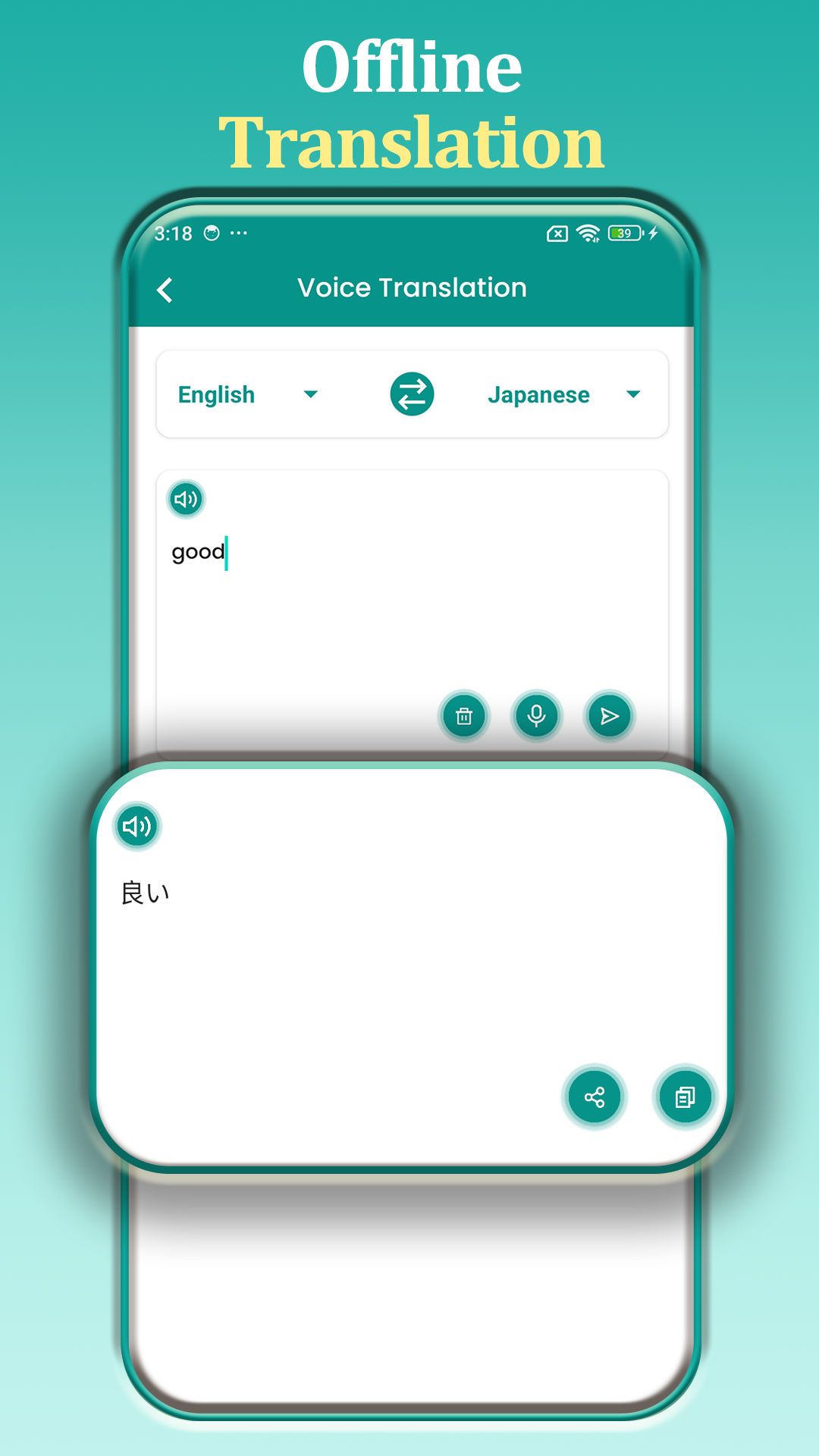
This is the bare-bones digital option, a mobile app-style tool with a clean interface and support for over 100 languages, both online and offline. It promises speed and simplicity, and for the price, that’s exactly what you get. No frills, no extra features, just voice and text translation with decent accuracy. It won’t impress power users, but for someone who needs a no-nonsense, ad-free translator on a budget, it holds up better than expected.
Still, it doesn’t stand out in a market flooded with free alternatives. The lack of detailed owner feedback or advanced features like conversation mode or photo scanning makes it hard to recommend over more established names unless cost is the absolute deciding factor. It works, but just barely edges past ‘meh’.
Product photos
Offline Photo & Voice Translator

Strengths
- Fully offline capable
- Photo and voice translation
- Dialogue mode
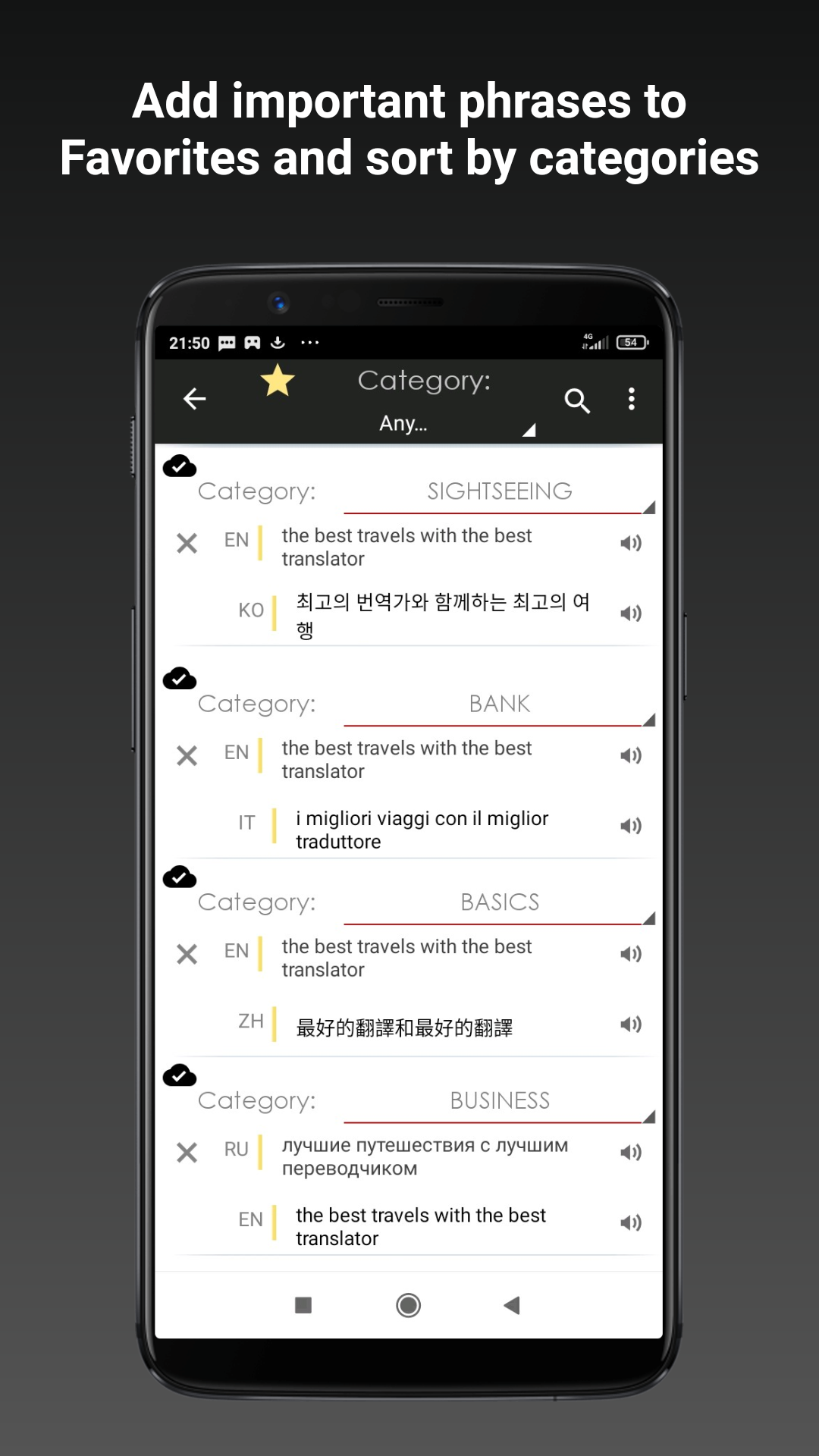
- Phrase backup and sorting
- No internet required
Trade-offs
- Dated user interface
- Steep learning curve for older users
- Limited device integration
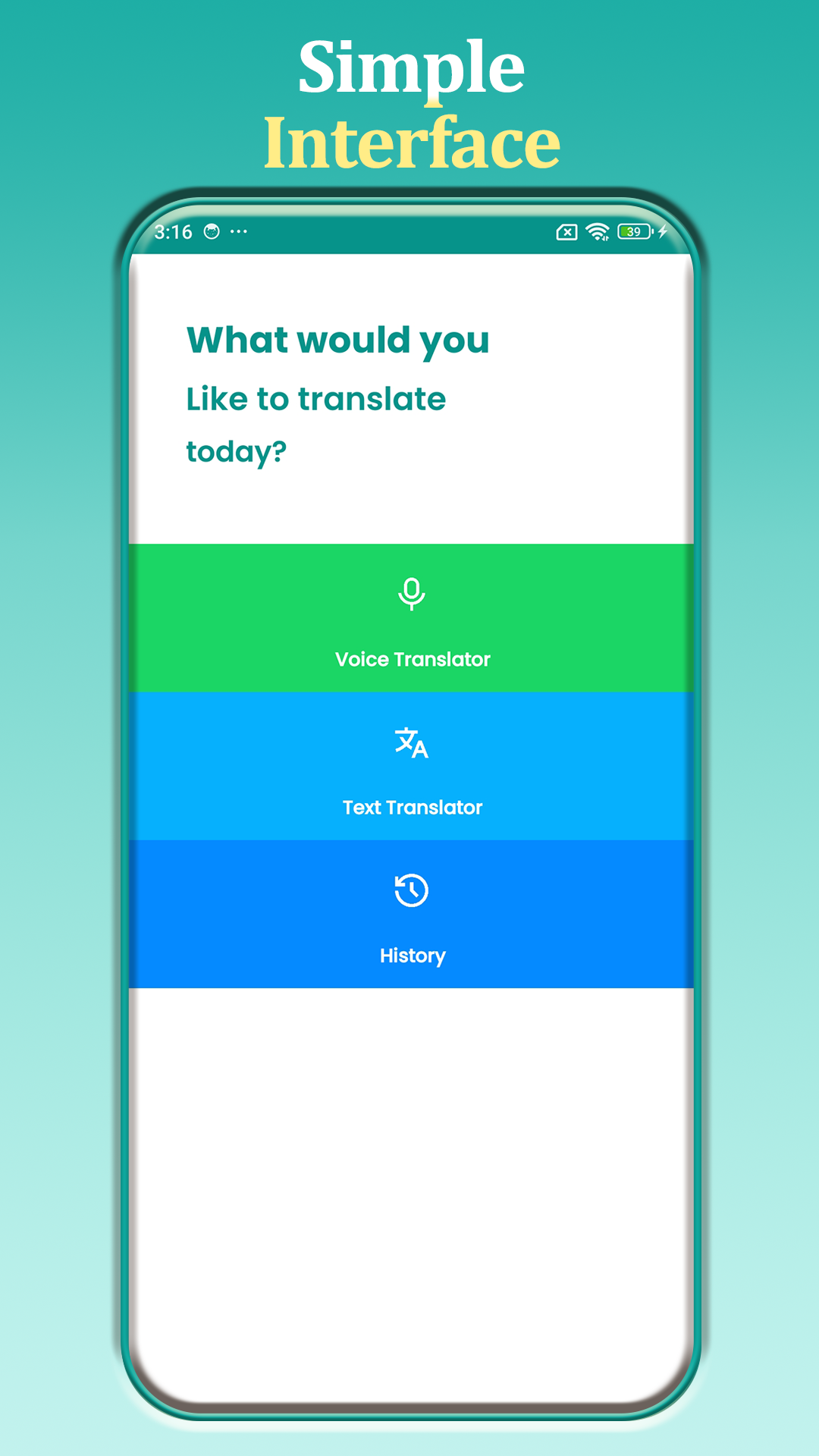
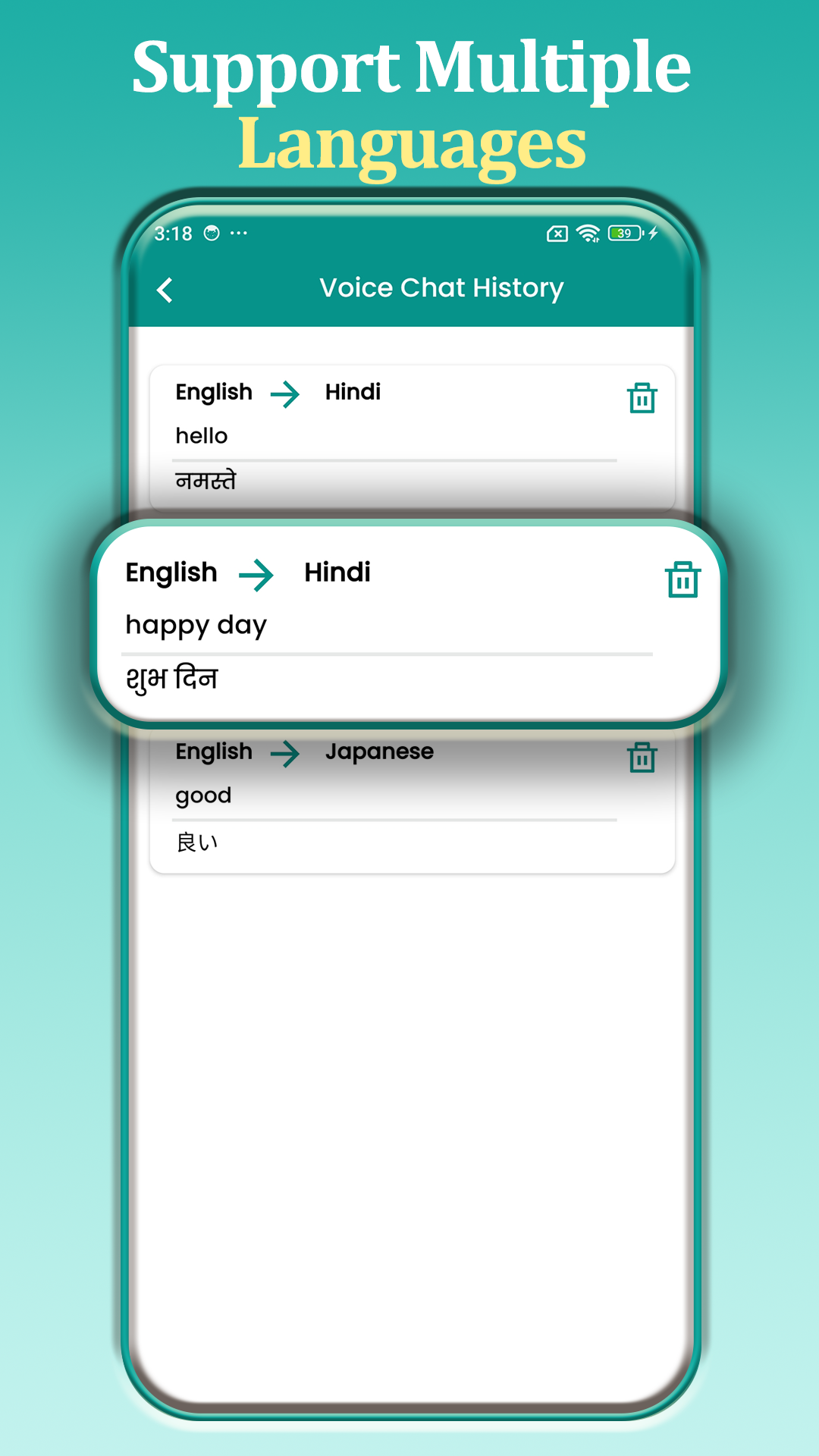
When you’re off the grid, on a flight, in rural areas, or in countries with spotty data, this app becomes invaluable. Its full offline operation covers text, speech, and photo translation across all supported languages, which is rare. The built-in TTS engines and automatic language detection work smoothly, and the ability to save and categorize favorite phrases means you can build custom quick-reference libraries for travel or medical use.
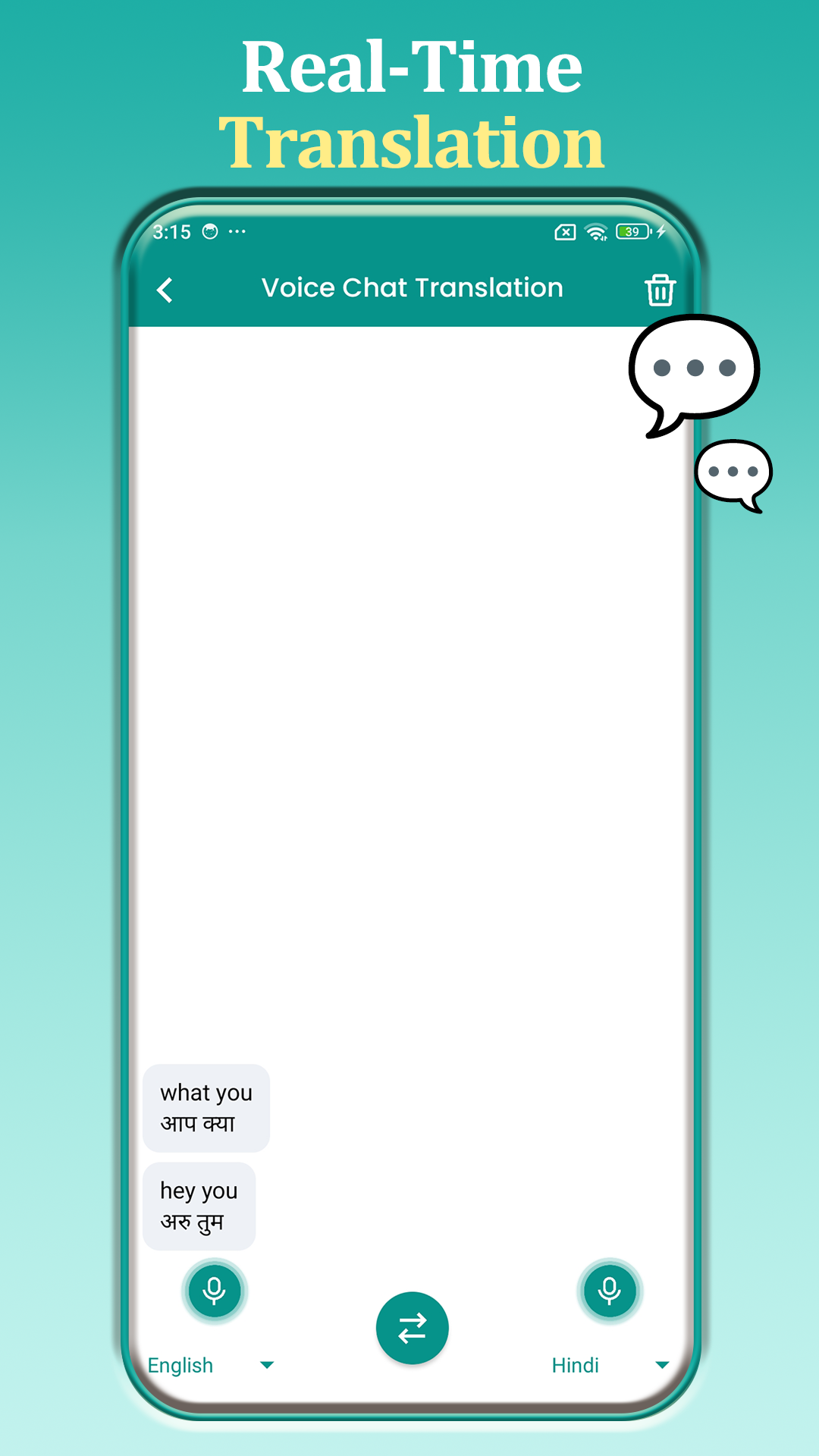
Owners highlight the dialogue mode as a quiet winner, it lets two people converse naturally without tapping between turns, which most competitors still get wrong. It’s not the prettiest app, and the interface feels dated, but it’s reliable in the scenarios where you need it most. Compared to cloud-dependent tools, this one earns its keep when connectivity isn’t an option.
Product photos


How We Chose These translate tools
I’ve spent years relying on translation tools, both for personal travel and helping folks on the site with projects involving international manuals or components. Rather than a hands-on lab test of linguistic accuracy (which is beyond our scope), we approached this guide by comparing published specifications and features across a range of devices and software. We weighed owner reviews from major retailers alongside expert opinions found in tech publications, applying my understanding of what makes a tool truly useful in the field.
For translate tools, speed, accuracy, and language support are paramount. I prioritized devices and software offering a broad range of languages, especially those less commonly supported. Offline functionality also stood out as a key differentiator, as reliable internet access isn’t always guaranteed when traveling or working remotely. The ability to handle both text and voice translation played a significant role in the rankings.
Specifications clearly indicate the number of languages supported and whether offline translation is available. However, real-world performance – specifically the accuracy of translations and the responsiveness of voice recognition – relies heavily on owner feedback. We looked for consistent praise regarding translation quality and usability, while also noting any recurring complaints about errors or slow processing times. Reputation and brand trust factored into our assessment, too.
Choosing The Right translate tools
I’ve spent years around tools, and while a dedicated translation pen might seem niche, they solve a real problem for travelers, students, and anyone working with multiple languages. It’s not just about what languages are supported, but how accurately and conveniently those translations are delivered.
A truly useful translation pen combines accurate optical character recognition (OCR) with reliable machine translation. Look for models supporting a wide range of languages, both online and offline. Pay attention to battery life, storage capacity for offline language packs, and the quality of the built-in microphone for voice translation features.
Accuracy & Language Support
The core of any translation pen is its ability to accurately recognize text and then translate it. Don’t assume all pens are created equal. Many cheaper models struggle with handwriting or non-standard fonts. If you’re frequently dealing with printed materials, prioritize pens with high-quality OCR, and check user reviews for feedback on accuracy with different font styles. Beyond the sheer number of languages, consider which languages are important to you. Some pens focus heavily on European languages while offering limited support for Asian languages, for example.
Online vs. Offline Capabilities
A pen that relies solely on an internet connection is useless when you’re traveling off the grid. I always recommend a pen with substantial offline language packs. While online translation will generally be more accurate and up-to-date, the ability to translate basic phrases and text without Wi-Fi is invaluable. Here’s what to look for:
- Limited Offline Packs: Some pens offer only a few core languages for offline use.
- Expandable Offline Packs: Better models allow you to download additional language packs as needed.
- Large Storage Capacity: Downloading numerous language packs requires sufficient onboard storage. A microSD card slot is a huge plus.
Usability & Ergonomics
Translation pens aren’t just about technology; they’re about convenience. A clunky interface or awkward design can quickly make a pen frustrating to use. Look for a pen that feels comfortable in your hand and has intuitive controls.
A good rule of thumb: if you can’t quickly scan and translate a sentence in a matter of seconds, the pen isn’t worth the investment.
Translate Tools Compared
Here’s a comparison of key specifications for several translation tools.
| Product Name | Languages Supported | Voice Translation | Offline Use | Real-Time Translation | AI Features |
|---|---|---|---|---|---|
| S8 Pro Translation & Reading Pen | 140 | Yes | Yes | Yes | No |
| Virtusx Jethro AI Mouse | N/A | Yes | No | Yes | Yes |
| Google Translate | 100+ | Yes | No | Yes | No |
| Easy Translate Tool | 100+ | Yes | Yes | Yes | No |
| Offline Photo & Voice Translator | All | Yes | Yes | Yes | No |
Frequently Asked Questions
What’s the biggest advantage of a dedicated translation pen over a smartphone app?
A translation pen offers portability and dedicated function. While smartphone apps are versatile, a pen is designed specifically for quick, on-the-go translation, often with better OCR accuracy for printed text and longer battery life.
Are offline language packs truly accurate, or is online translation always better?
Offline packs are generally less accurate than online translation due to the constant updating of algorithms with online services. However, for common phrases and basic text, offline packs provide a reliable solution when internet access isn’t available.
How important is optical character recognition (OCR) quality?
OCR quality is extremely important. Poor OCR results in mistranslations, even if the translation engine itself is good, because the pen will be interpreting the wrong characters from the start.
Do these pens work with handwriting, or only printed text?
Most pens work best with clearly printed text, and handwriting recognition varies significantly between models. The S8 Pro, for example, is noted for better handwriting support, but user reviews should always be checked for specific font or writing style concerns.
Can these translate tools handle all languages, or are there limitations?
While some claim to support “all” languages, this often means basic translation via online services. Pens like the S8 Pro offer a wider range of pre-installed languages (140+) and more robust offline support than free apps like Google Translate.
The Bottom Line
Choosing a translation tool often comes down to balancing instant access with reliable performance. If you absolutely need something that works anywhere, anytime, the Offline Photo & Voice Translator stands out for its thorough offline capabilities. However, for most users, the S8 Pro Translation & Reading Pen offers the best overall blend of features, language support, and real-time translation – it’s a practical solution for a wide range of situations.
For those on a tighter budget, the Easy Translate Tool provides a solid set of features at an accessible price point. And if you’re drawn to cutting-edge technology and primarily work in environments with consistent internet access, the Virtusx Jethro AI Mouse’s AI-powered features might be appealing.
Ultimately, the number of languages isn’t the only factor. A tool’s value lies in how well it delivers accurate, quick translations when and where you need them. Don’t get caught up in chasing the highest number of supported languages if the core functionality, accurate OCR and responsive translation, isn’t there.
