
7 Best Animation Tools of 2026
This post contains affiliate links. As an Amazon Associate, we earn from qualifying purchases.
The HUE Animation Studio Pro stands out as the best overall choice, delivering strong performance and useful software right out of the box. For beginners or younger animators, the Canvall Flipbook Set is a solid budget-friendly starter kit that includes everything you need to begin. If you’re focused on precision and long-term use, pairing the HSK A4 LED Light Box with the DGQ 3-Pin Animation Peg Bar gives you a reliable, professional-grade setup.
Animation isn’t just about drawing one frame after another, it’s about consistency, alignment, and having tools that won’t get in your way. Too many beginners struggle with flickering lights, misaligned pages, or flimsy materials that fall apart mid-project.
This guide cuts through the noise by focusing on what actually matters: proven features, real user feedback, and the core components that support smooth, frustration-free animation. We looked at light quality, paper durability, and registration accuracy to find tools that support growth, whether you’re experimenting for fun or building a serious portfolio.
Top 7 Animation Tools in the Market
The Best Animation Tools, Reviewed
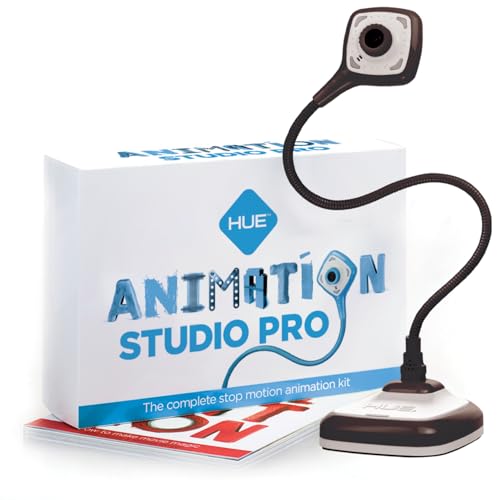
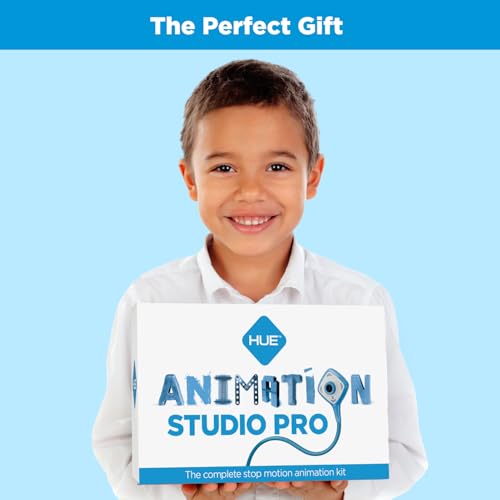
HUE Animation Studio Pro Stop Motion Kit
Strengths
- Manual focus for stability
- Full HD 1080p camera
- Multi-use beyond animation
Trade-offs
- Higher price point
- Software registration required for full features
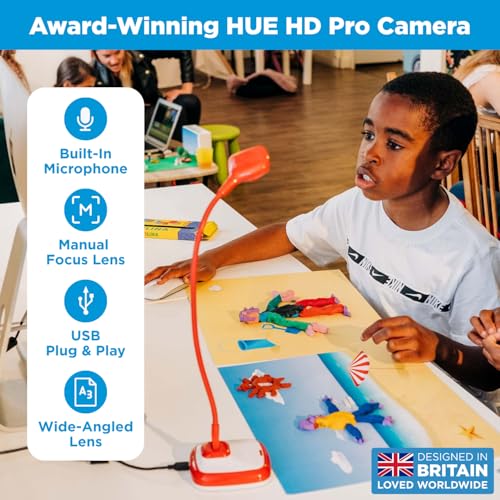
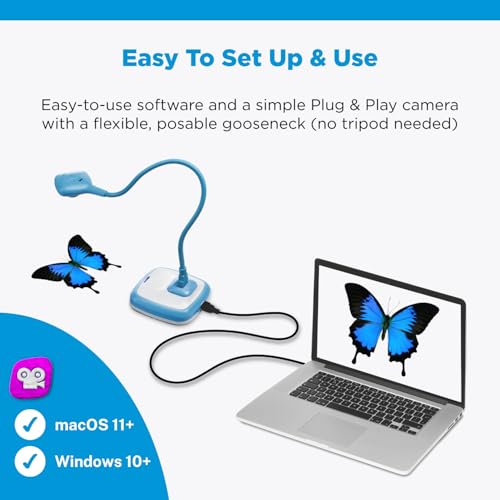
This kit stands out as the most complete package for stop motion creators, blending solid hardware with thoughtful software support. The Full HD 1080p camera has a manual focus lens, which reviewers consistently praise for eliminating the frustration of autofocus hunting during frame-by-frame shoots. The wide field of view and close focal range let you capture detailed scenes up to A3 size, giving real flexibility over smaller kits.
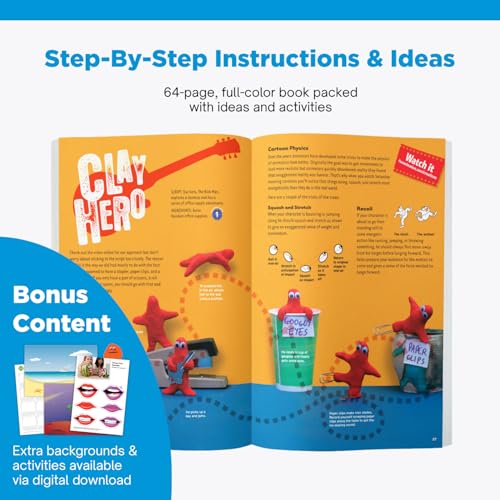
What pushes this ahead of budget options is its dual role: the camera works flawlessly for video calls, classroom demos, or document scanning when not animating. Teachers recommend it for integrating animation into lessons, and the included project book helps beginners avoid the blank-page syndrome. Compared to DIY webcam setups, this is a polished, purpose-built solution.
Product photos

Canvall Flipbook Set with LED Light Box

Strengths
- All-in-one starter package
- Pre-drilled flipbook paper
- Flicker-free LED light pad
Trade-offs
- Light pad lacks high brightness
- Pencils are basic quality
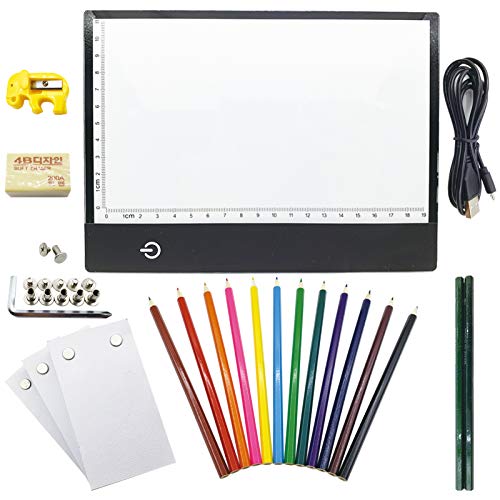
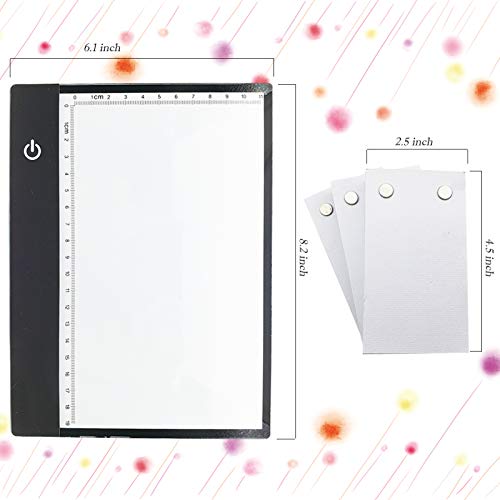
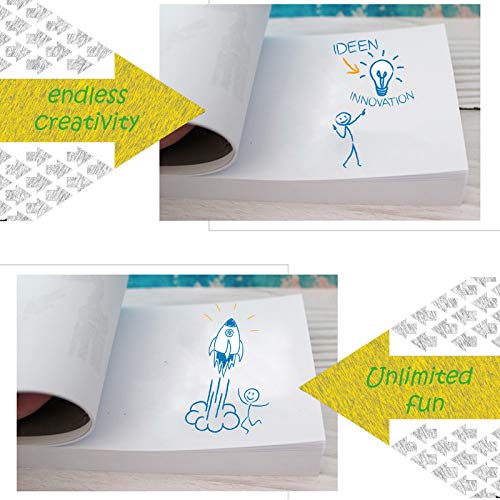
This starter kit packs a lot into one box, 540 pages of pre-drilled paper, a slim A5 light pad, colored pencils, and basic tools, making it one of the most complete entry points for beginners. The light box uses flicker-free LEDs, which reviewers say reduce eye strain during longer drawing sessions, and its thin profile makes it easy to move around. The binding screws allow customization for different animation lengths, a small but useful detail.
While the light pad isn’t as bright as premium models, it’s sufficient for basic tracing and flipbook work. The included pencils are decent for starters, though serious artists will eventually want to upgrade. Compared to buying components separately, this kit saves time and offers good value for young creators or classrooms setting up multiple stations.
Product photos
HSK A4 LED Artist Tracing Light Box
Strengths
- 6000 Lux high brightness
- Aluminum frame for durability
- Lock function for buttons
Trade-offs
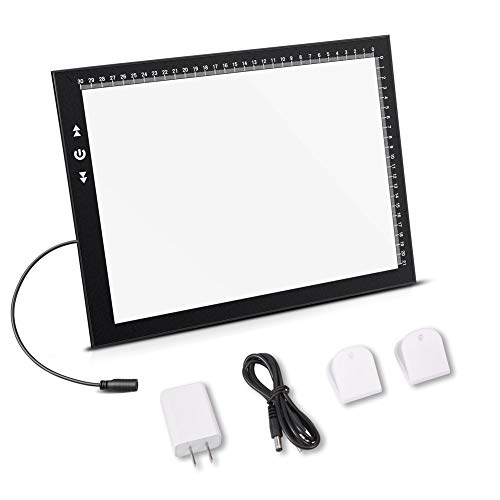
- No USB cable included
- No carrying case
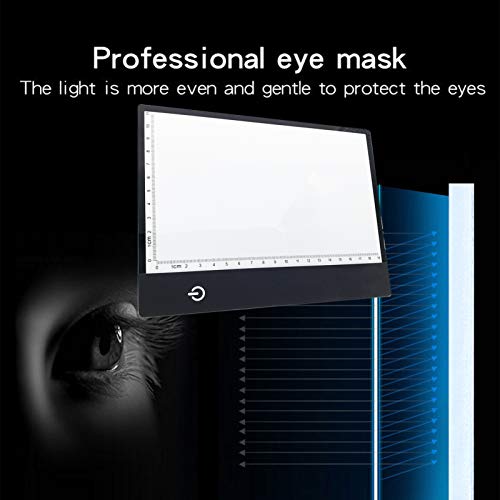
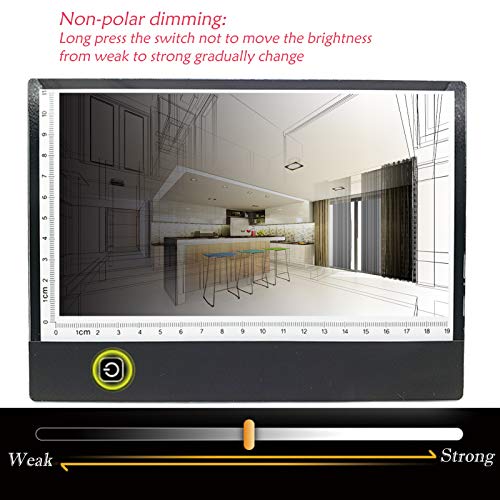
This light box hits a sweet spot between performance and reliability, with a bright 6000 Lux panel and a sturdy aluminum frame that most budget models lack. The even illumination across the A4 surface is critical for animation work, and owners consistently report no dark spots, a common flaw in cheaper pads. The touch-button brightness control is intuitive, and the lock function prevents accidental changes during long drawing sessions.
It’s widely used for animation, but also popular among tattoo artists and diamond painters, thanks to its high output and flicker-free design. While it doesn’t include extras like software or paper, it excels at its core job: providing a stable, bright surface for tracing. Compared to the LitEnergy model, it’s brighter and more durable, justifying the step up for frequent users.
Product photos


LitEnergy A4 LED Copy Board Tracing Box
Strengths
- Ultra-slim and portable
- USB powered
- Adjustable brightness
Trade-offs
- Lower brightness than high-end pads
- Plastic frame feels less durable
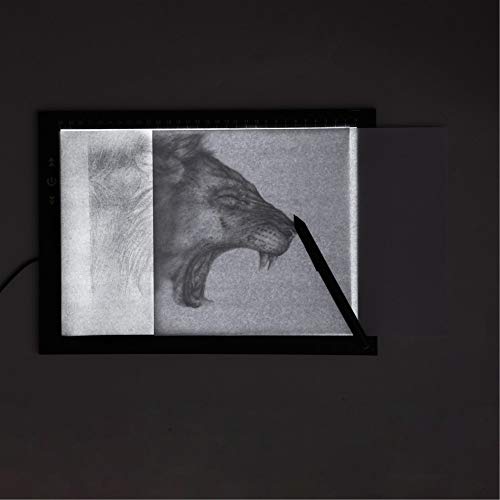
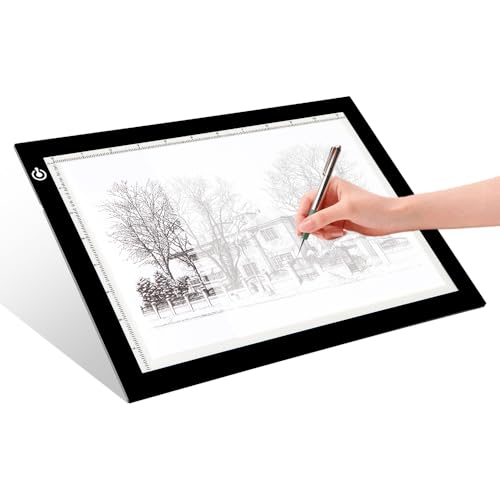
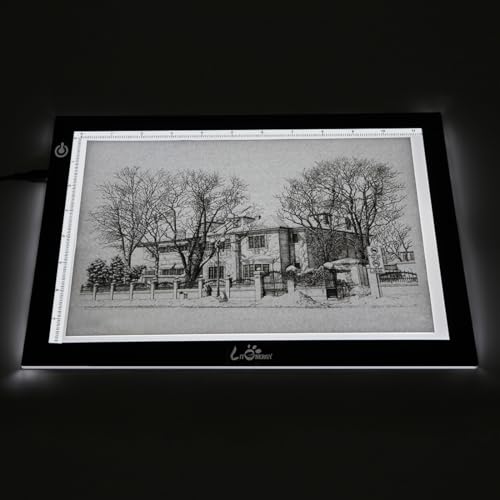
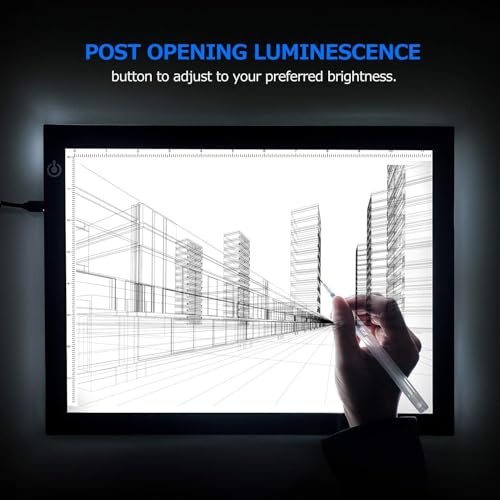
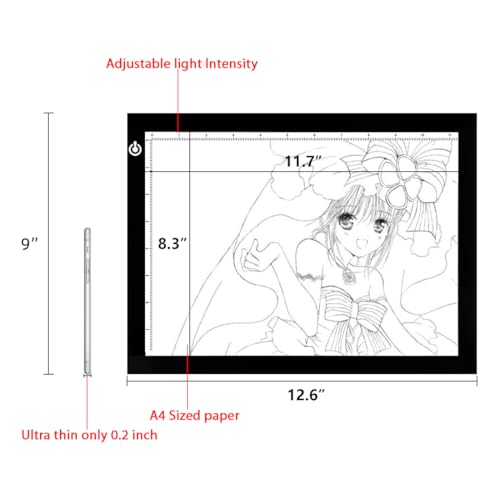
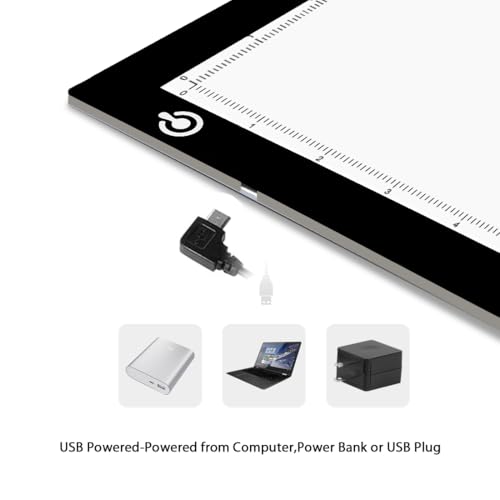
If you’re on a budget but still need a reliable A4-sized light pad, this model makes a lot of sense. At just 5mm thick, it’s ultraportable and powered via USB, so you can run it from a laptop, power bank, or wall adapter, a real plus for animators working in different spaces. The adjustable brightness is smooth and consistent, and the flicker-free LEDs are easier on the eyes than cheaper, pulsing alternatives.
Owners note it performs well for basic animation tracing and sketching, though it doesn’t match the brightness or build quality of premium pads. It’s also popular for diamond painting and tattoo transfers, which speaks to its versatility. For the price, it’s hard to beat, especially when compared to kits that charge more for similar specs.
Product photos

PRIMBEEKS Premium Blank Flip Book Paper

Strengths
- Thick bleed-resistant paper
- Sewn binding for durability
- Compact and portable
Trade-offs
- Small drawing area
- No perforations for easy page removal
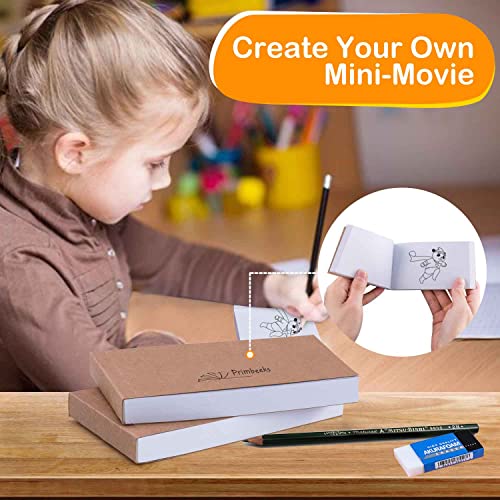
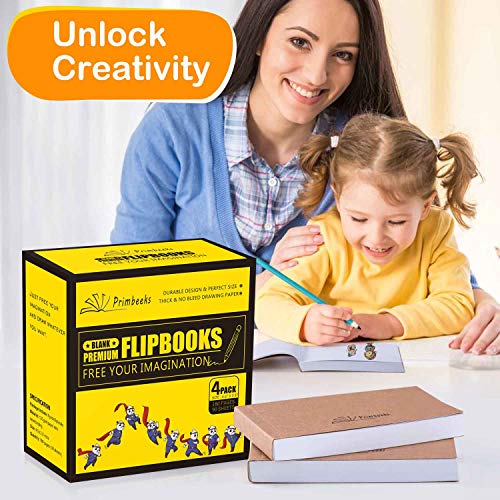
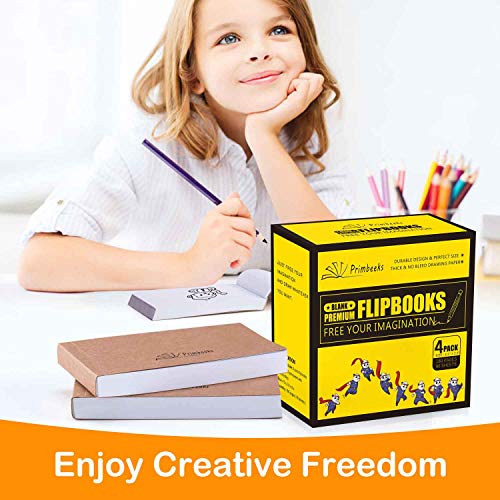
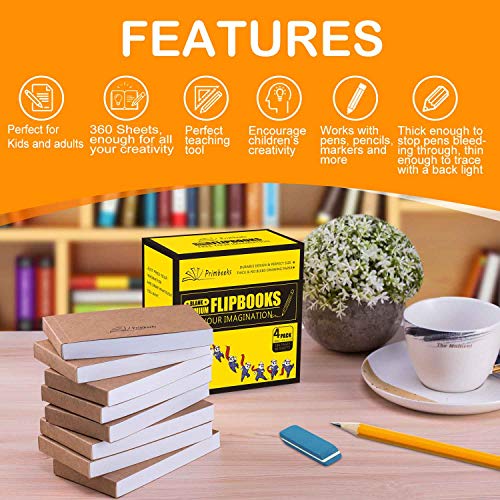
This flip book pack delivers exactly what it promises: a simple, portable way to get started with hand-drawn animation. At 120 GSM, the paper is thick enough to resist bleed-through from most markers and pens, which owners consistently report as a major win when flipping through finished animations. The sewn binding holds up well over time and lets the book lie flat, making drawing easier than with glued spines that crack.
The 4.5″ x 2.5″ size is compact, almost pocket-friendly, and feels natural in hand when flipping. While it won’t replace digital tools for serious work, it’s a solid analog option for sketching motion ideas or teaching kids the basics of frame-by-frame animation. Compared to cheaper flip books, this one stands out in durability and usability.
Product photos

DGQ 3-Pin Animation Peg Bar Ruler
Strengths
- Stainless steel durability
- Accurate 3-pin alignment
- Smooth edges
Trade-offs
- No ruler markings for measurement
- Only useful with punched paper
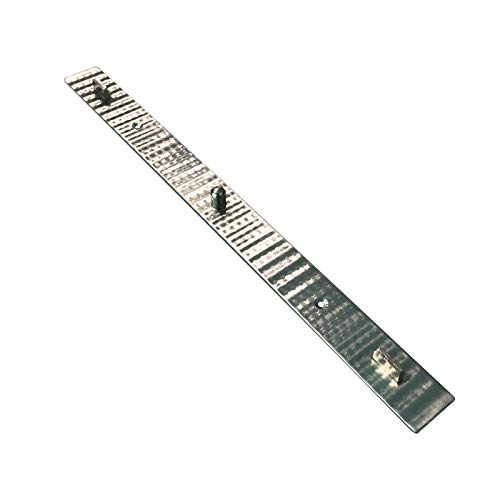
Precision is everything in frame-by-frame animation, and this stainless steel peg bar delivers it. The 3-pin design aligns perfectly with standard punched animation paper, keeping each sheet locked in place, a detail that owners say eliminates jittery movement in final flips. Made from corrosion-resistant steel, it’s built to last and won’t warp like plastic alternatives.
The smooth, rounded cutouts make it easy to slide paper on and off without tearing, and the compact size fits neatly beside most light pads. While it’s a niche tool, anyone doing serious hand-drawn animation will appreciate the stability it provides. Compared to flimsy plastic rulers, this is a small upgrade that makes a big difference in registration accuracy.
Product photos
The Animator’s Survival Kit Manual
Strengths
- Timeless animation principles
- Clear visual examples
- Applies across animation styles
Trade-offs
- Used copy only
- No digital tools covered
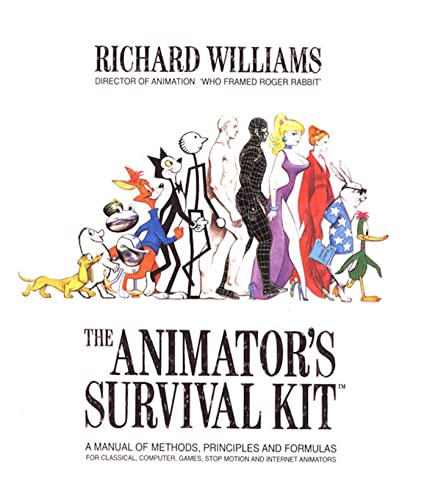
On paper, this book is the gold standard for animation principles, and owner feedback over years confirms it. Even if you never touch a lightbox or flip book, understanding timing, spacing, and squash-and-stretch from this manual will elevate any animator’s work. It covers classical hand-drawn techniques in depth, but the core concepts apply just as well to CGI, stop motion, or game animation.
I’ve seen few resources that break down complex motion so clearly. The diagrams and explanations are timeless, which is why professionals and students alike keep coming back to it. While the physical copy listed may be used, the content remains essential. If you’re serious about learning how animation works, not just the tools to make it, this is essential.
Product photos
How We Picked These animation tools
My approach to ranking animation tools involved a research-led comparison of published specifications and features, combined with careful review of owner experiences and expert opinions. Rather than a hands-on lab test of every product, I focused on identifying consistent strengths and weaknesses across a broad range of options. This involved weighing factors like build quality, included features, and reported usability from actual users.
For animation tools, consistent image quality and ease of use are paramount. I prioritized light boxes with adjustable brightness and even illumination, as those features directly impact the animation process. Equally important was the quality of the animation paper and kits – thickness, binding, and compatibility with different drawing tools were key considerations.
Specifications reliably indicate light box brightness (measured in lux) and dimensions. However, judging user experience – how smoothly a light box adjusts, or the durability of a flipbook’s binding – required careful analysis of owner reviews and recommendations from animation communities. Reputation and long-term reliability were heavily weighted, as these tools need to withstand consistent use.
What To Look For In animation tools
I’ve spent years around workshops and seen firsthand how the right tools can unlock creativity. When it comes to animation, there’s a surprisingly broad range of options, and picking the right ones depends heavily on your ambition and budget.
A successful animation setup balances optical clarity, consistent mechanics, and ease of use. Prioritize a stable surface, a light source that doesn’t flicker, and paper that can withstand repeated drawing and erasing. Don’t skimp on the basics – a wobbly setup will quickly lead to frustration.
Light Source Quality
The core of many animation techniques relies on tracing. Don’t underestimate the importance of a good light box or light pad. Cheaper models often have uneven illumination or a noticeable flicker, which can strain your eyes and make consistent line work difficult. Look for models that specifically advertise flicker-free LEDs and adjustable brightness. A brightness level of around 6000 Lux is a good benchmark, giving ample light without being harsh. Consider the size, too. An A4 size is versatile for most projects, but if you plan larger animations, you’ll want something bigger.
Paper and Binding Options
Paper quality impacts how well your animation holds up to repeated use. Thinner paper tears easily and can ghost with every pass of your pencil. I recommend at least 100 GSM paper, but 120 GSM or higher is preferable for more detailed work. If you’re creating traditional flipbooks, pre-punched paper is a huge time saver.
- A small pack of 50-100 sheets is good for testing techniques.
- A mid-range pack of 200-300 sheets is ideal for a single, focused project.
- Larger packs (500+ sheets) are best for serious animators or classroom settings because they offer the best value.
Peg Bar and Registration
For more complex animation, a peg bar is essential. This tool holds your animation paper in precise alignment, preventing drift and ensuring smooth motion. Look for a stainless steel peg bar with standard 3-pin positioning (5.28 inch/134 mm hole spacing is common). A good peg bar won’t flex or shift during use, and the pins should be secure enough to hold the paper firmly but not damage it.
A good rule of thumb: invest in a solid peg bar before you worry about fancy software. Accurate registration is the foundation of quality animation.
Animation Tools Compared
Here’s a comparison of key specifications for various animation tools to help you make an informed decision.
| Product Name | Best For | Features | Dimensions (in) | Paper/Area Size | Power Source |
|---|---|---|---|---|---|
| HUE Animation Studio Pro | Best Overall | Full HD, LED Lights, Software Included | N/A | A3 | USB |
| Canvall Flipbook Set | Best Flipbook Starter Kit | Light Box, Paper, Colored Pencils | 8.3 x 6.3 x 0.14 | A5 | USB |
| HSK A4 LED Artist Tracing Light Box | Best Light Box for Animation | A4, Touch Brightness, Lock Button | 13.6 x 9.8 x 0.2 | 12 x 8.3 | Adapter |
| LitEnergy A4 LED Copy Board | Best Budget Light Pad | A4, Adjustable Brightness, Flicker-Free | 12.6 x 9.0 x 0.2 | A4 | USB |
| PRIMBEEKS Premium Blank Flip Book | Best Animation Paper Pack | 4 Packs, 90 Sheets Each, 120 GSM Paper | 4.5 x 2.5 | N/A | N/A |
| DGQ 3-Pin Animation Peg Bar | Best Precision Peg Bar | Stainless Steel, 3-Hole Positioning | 9.8 x 0.8 x 0.4 | N/A | N/A |
| The Animator’s Survival Kit Manual | Best Learning Resource | Used Book | N/A | N/A | N/A |
Frequently Asked Questions
What paper weight is best for animation?
A weight of 100 GSM is a good starting point, but 120 GSM or higher will hold up better to repeated drawing and erasing. Thicker paper resists tearing and ghosting, which is important for clean animation.
Are LED light boxes truly flicker-free?
Most modern LED light boxes advertise flicker-free operation, and generally deliver on that promise. However, some cheaper models can exhibit subtle flicker, so reading owner reviews is crucial if you are sensitive to it.
What is the standard hole spacing for animation peg bars?
The most common standard is 5.28 inches (134 mm) between holes. This ensures compatibility with most animation paper and accessories designed for professional workflows.
Can I use a regular desk lamp instead of a light box?
While possible, a dedicated light box provides more even illumination and consistency. Desk lamps often create hotspots and shadows that can make accurate tracing difficult, and the light isn’t always stable.
What’s the difference between a light box and a light pad?
A light box is typically a larger, self-contained unit with a rigid surface, while a light pad is thinner and more flexible. Light pads are more portable, but light boxes generally offer more consistent illumination and a sturdier work surface.
The Bottom Line
Animation, at its heart, is about balancing control and convenience. You can chase the highest specs and most feature-rich setups, or you can focus on the core elements that reliably deliver results. For most animators, I believe the HUE Animation Studio Pro strikes that balance best. Its combination of a quality light source, included software, and ample workspace makes it a fantastic starting point and a capable tool for more advanced work.
If you’re just starting out or are on a tighter budget, the Canvall Flipbook Set is a great way to learn the fundamentals. Similarly, for those needing a dedicated light source without breaking the bank, the LitEnergy A4 LED Copy Board offers excellent value. And for serious animators needing precise registration, the DGQ 3-Pin Animation Peg Bar is a must-have addition to any studio.
Ultimately, the “best” animation tool isn’t about a single feature or price point. It’s about consistent light, stable mechanics, and paper that holds up to the process. Focus on those fundamentals – a solid surface, a flicker-free light source, and quality paper – and you’ll be well on your way to bringing your ideas to life.
