7 Best Tools for Vehicle Performance Analysis 2026
This post contains affiliate links. As an Amazon Associate, we earn from qualifying purchases.
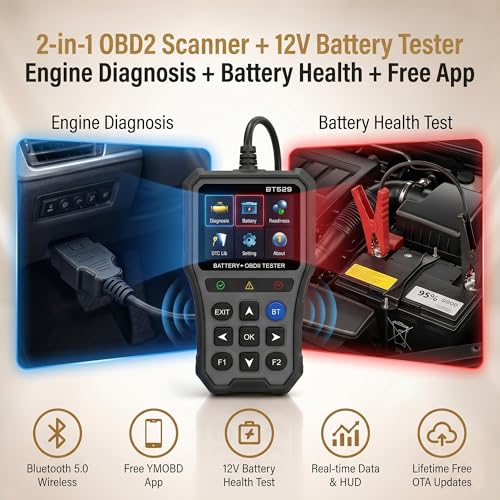
The TOPDON ONE stands out as the best overall tool for vehicle performance analysis, combining full system coverage with AI-powered diagnostics. For budget-conscious DIYers, the BT529 delivers solid core functions and built-in battery testing without a subscription fee. If you want versatility and long-term value, the ANCEL BD310 offers strong diagnostics and reliable battery checks.
Most people buying a scan tool aren’t just looking to read engine codes – they want to understand what’s really wrong and fix it without wasting time or money. Too many tools promise pro-level features but fall short in real-world use, with clunky interfaces, spotty compatibility, or hidden subscription costs.
This guide cuts through the noise. I compared the top options based on specs, owner feedback, and actual usability, focusing on diagnostic depth, battery testing, wireless reliability, and whether a tool truly supports the systems you’ll actually need to troubleshoot.
Top 7 Tools For Vehicle Performance Analysis in the Market
The Best Tools For Vehicle Performance Analysis, Reviewed
TOPDON ONE Bidirectional Scan Tool
Strengths
- Dealer-level coding
- J2534 Pass-Thru support
- Topology mapping
Trade-offs
- Expensive subscription
- Overkill for casual users
- No standalone battery test
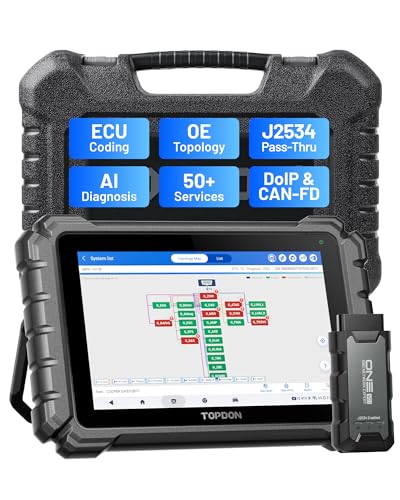
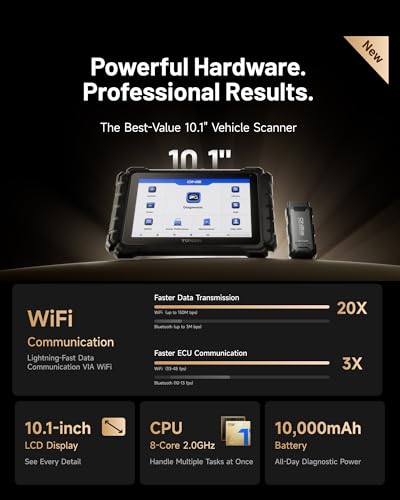
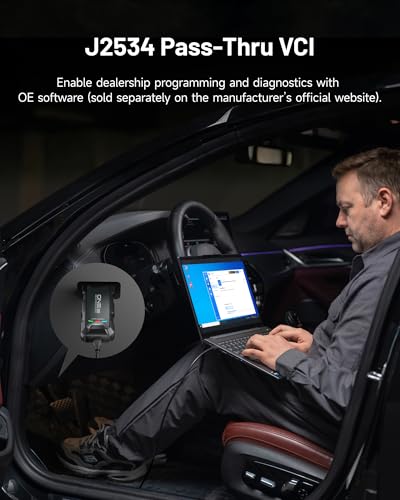
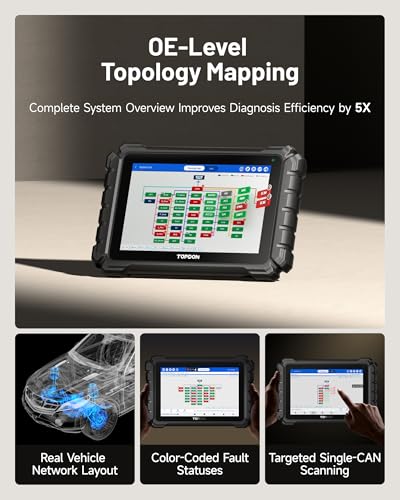
If you’re running a shop and need a tool that can keep up with dealer-level diagnostics, the TOPDON ONE is hard to ignore. This isn’t a weekend warrior’s scanner, it’s a 10.1” tablet-grade powerhouse with J2534 Pass-Thru support, ECU coding, and topology mapping that let you see how modules communicate in real time. Reviewers note it’s particularly strong on European brands like BMW, Audi, and Mercedes, where coding and guided functions matter. The Topfix AI Assistant, with 5 million+ fault code solutions, cuts diagnostic time significantly, which translates to real shop revenue.
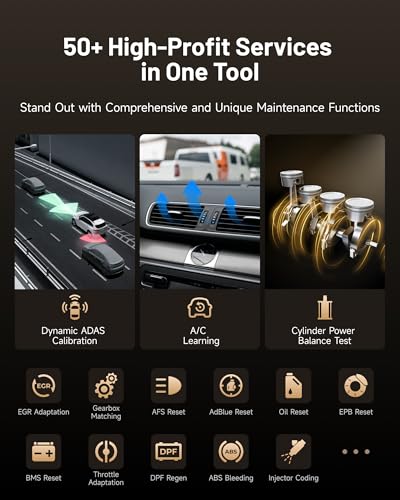
Yes, it has a subscription, $299/year or $479 for two, but that’s expected at this tier. What keeps it from being a no-brainer is the cost of ownership. Compared to the XTOOL AD20 Pro, it’s overkill for most DIYers. But for technicians who need to perform ADAS calibration, DPF regen, or ABS bleeding, this tool replaces multiple expensive devices. The Wi-Fi-based connection is faster than Bluetooth, and the guided functions for VAG and FCA vehicles are a standout for complex repairs.
Product photos

BT529 Bluetooth OBD2 Scanner
Strengths
- High-accuracy battery test
- Large color display
- No subscription fees
Trade-offs
- OBD2 only
- No service functions
- App required for full features
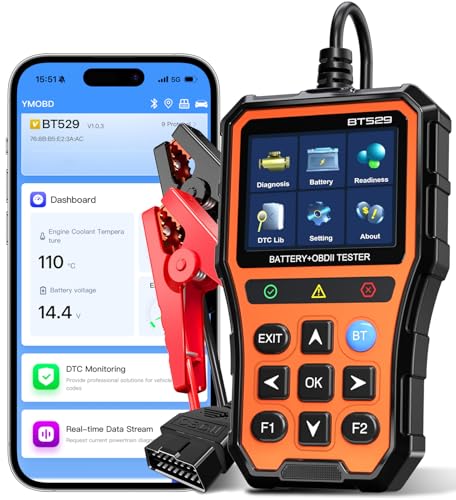
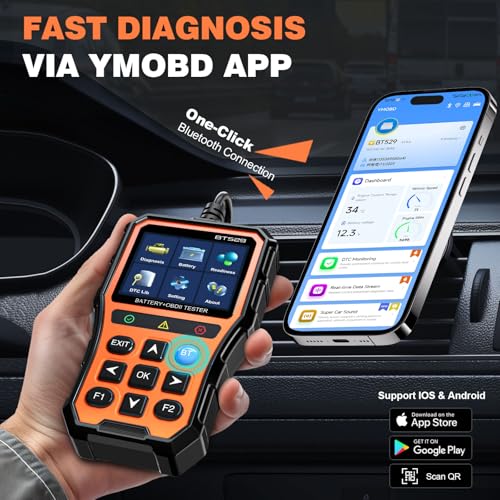
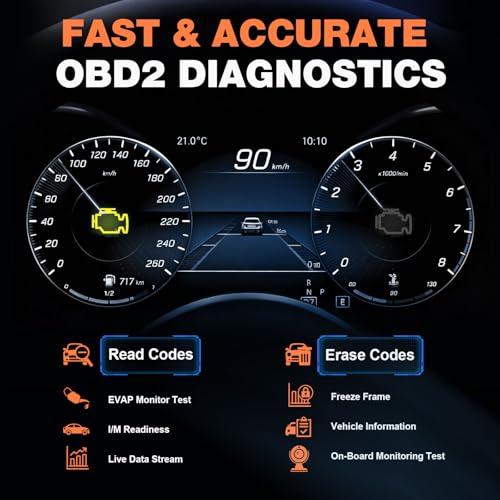
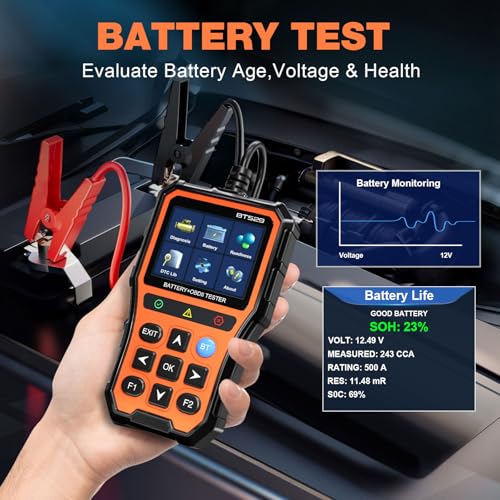
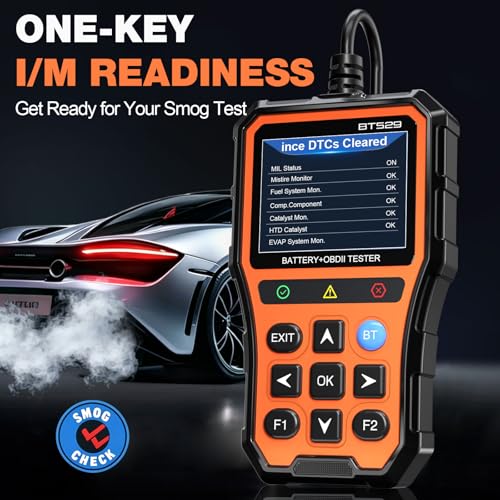
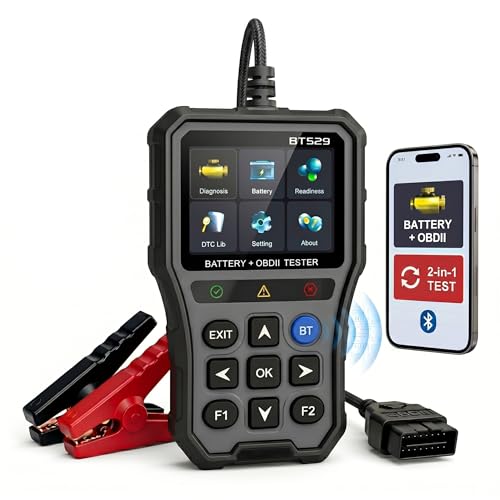
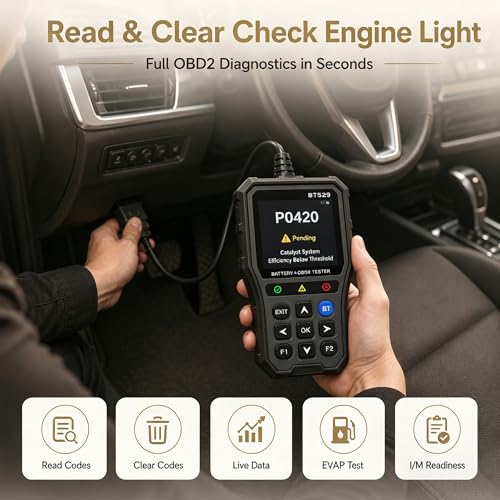
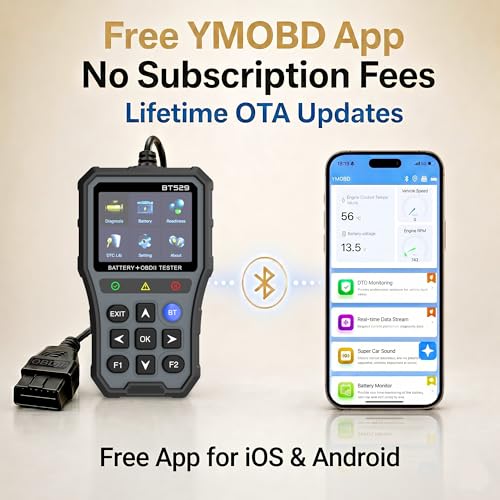
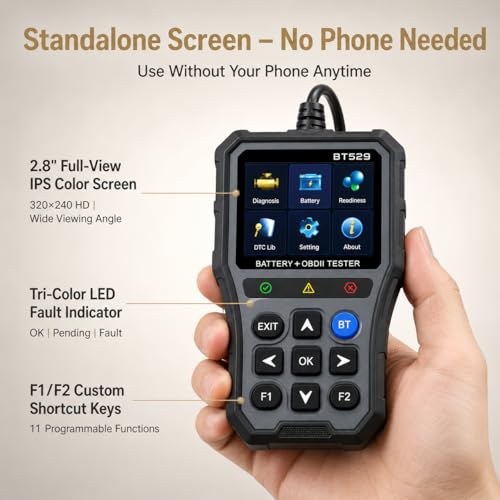
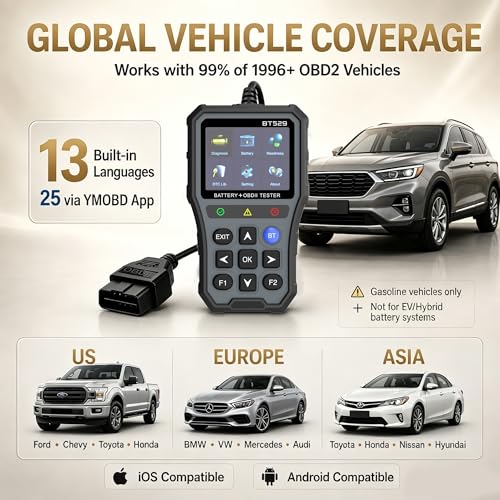
The BT529 is nearly identical to the NOVEINN in function and design, but owners slightly favor it for its improved battery testing accuracy and larger display. It’s another 2-in-1 tool that excels at preventing no-start situations by giving a clear picture of battery health, voltage, internal resistance, SOH, SOC, all with 20% better accuracy than basic testers. The YMOBD app integration is smooth, and the Bluetooth 5.0 chip ensures a stable connection, which matters when you’re under the hood.
Where it pulls ahead is in usability, the 2.8” screen is 36% larger than older models, and the 14-language support makes it accessible. But like the NOVEINN, it’s limited to engine and battery systems. If you’re comparing it to the FOXWELL NT301 Plus, the BT529 has a better app ecosystem, but the FOXWELL wins on build quality. For pure battery diagnostics, this is one of the best tools under $100.
Product photos
XTOOL AD20 Pro OBD2 Scanner
Strengths
- AI-powered diagnostics
- No subscription fees
- CAN FD support
Trade-offs
- No ECU coding
- No physical buttons for standalone use
- Limited service functions beyond oil reset
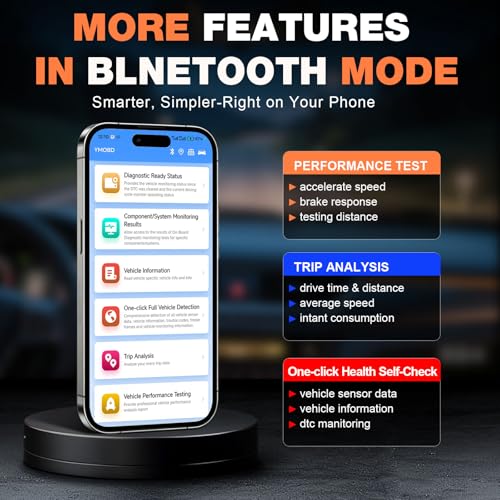
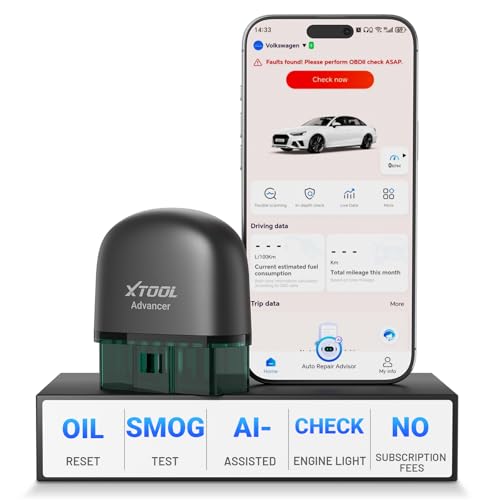
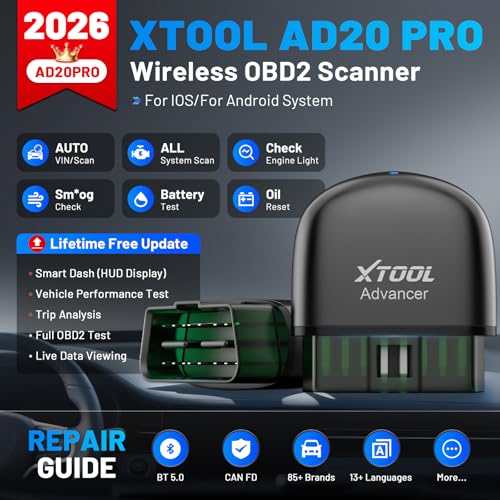
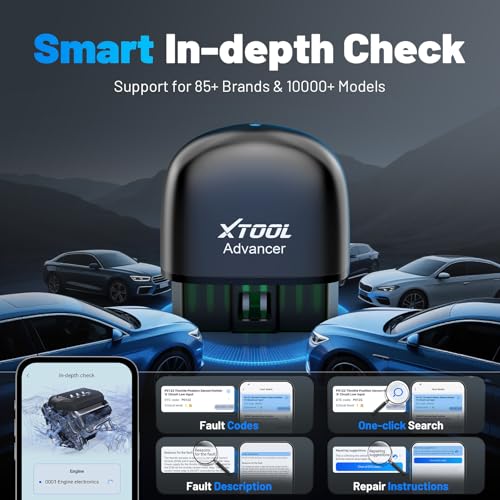
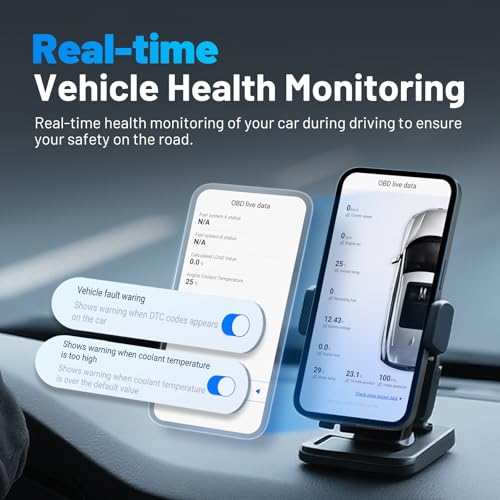
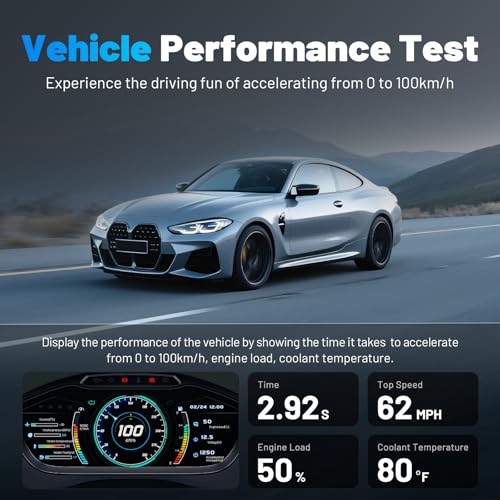
The XTOOL AD20 Pro feels like what happens when a smart diagnostic tool grows up. It’s wireless, subscription-free, and packed with AI-driven insights that go beyond code reading, something owners rave about. The AI analysis doesn’t just spit out a code; it interprets sensor data and suggests likely causes in plain English, which is a huge help for DIYers tired of guessing games. The Smart Dash and Performance Test features add a fun, performance-oriented layer, letting users track 0-60 times and braking distances, which I’d appreciate if I were tuning a daily driver.
It’s also one of the few wireless scanners that supports CAN FD, making it compatible with newer vehicles that stump older tools. The Battery Guard with auto-sleep mode is a thoughtful touch, no more killing your battery because you forgot to unplug it. Compared to the FOXWELL NT604 Elite, this does more with less hassle, and unlike the TOPDON ONE, it doesn’t saddle you with a mandatory subscription. For most home users, this is the smarter buy.
Product photos

FOXWELL NT604 Elite OBD2 Scanner
Strengths
- Full system coverage
- Lifetime software updates
- Solid protective case
Trade-offs
- No CAN FD support
- No service functions
- Limited SRS crash data clearance
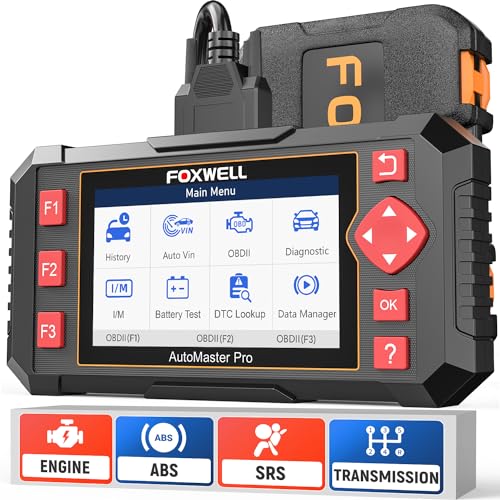
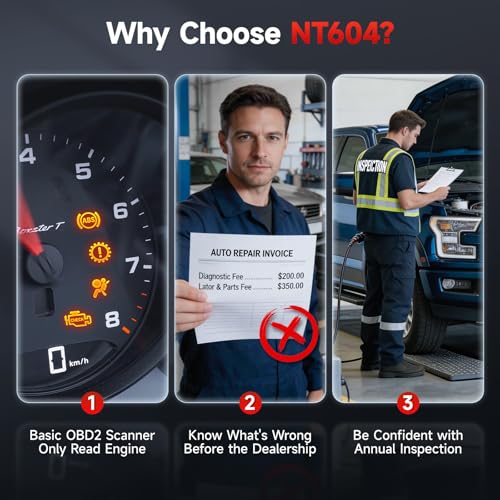
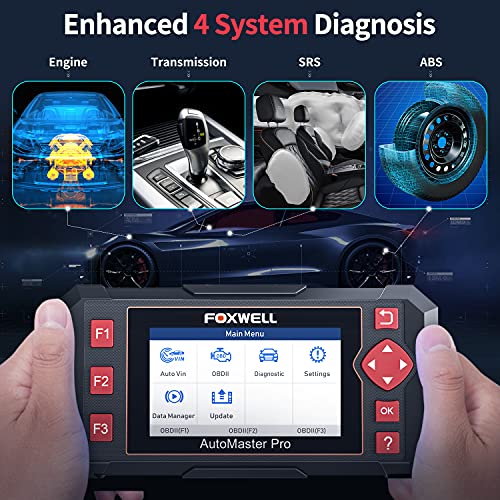
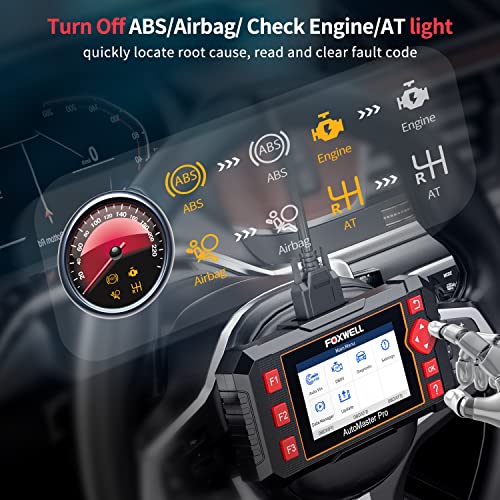
The FOXWELL NT604 Elite stands out as a full-system diagnostic tool that punches above its weight for DIYers who need more than just engine codes. On paper, it’s clear this isn’t a basic OBD2 scanner, it covers ABS, SRS, transmission, and engine systems, which is rare at this price point. Owners consistently report that the ability to read and clear SRS codes (excluding crash data) is a major win, especially when dealing with airbag lights after seat work or battery resets. The inclusion of a solid protective case and lifetime software updates adds real value over competitors that ship with flimsy bags and charge for updates.
Where it shines is simplicity, plug it in, and it works. The AUTOVIN feature speeds up vehicle identification, and the built-in DTC library helps decode cryptic error messages into understandable terms. That said, it doesn’t support service functions like oil resets or throttle adaptation, so don’t expect dealer-level control. If you’re someone who wants to avoid dealership trips just to clear an ABS or airbag light, this tool delivers. But if you’re working on newer CAN FD-equipped vehicles, you’ll hit a wall, it lacks that protocol, making it a poor fit for many 2020+ models.
Product photos
ANCEL BD310 Bluetooth OBD2 Scanner
Strengths
- Excellent app integration
- HUD dashboard
- Lifetime free updates
Trade-offs
- App-dependent for full features
- No ABS/SRS support
- Basic standalone screen
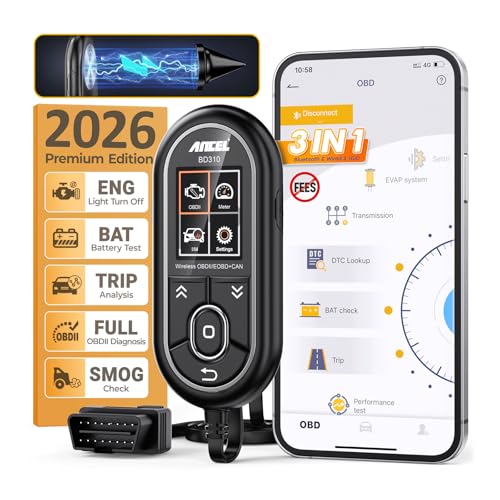
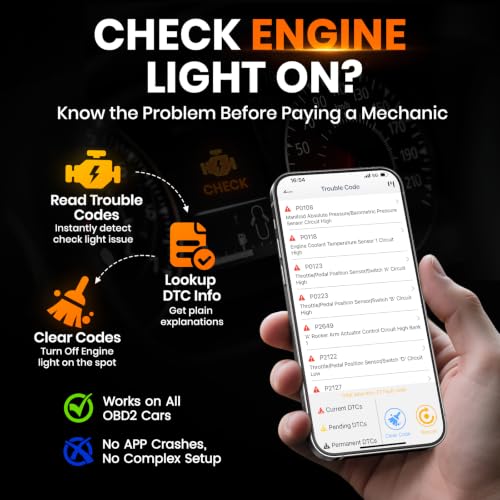
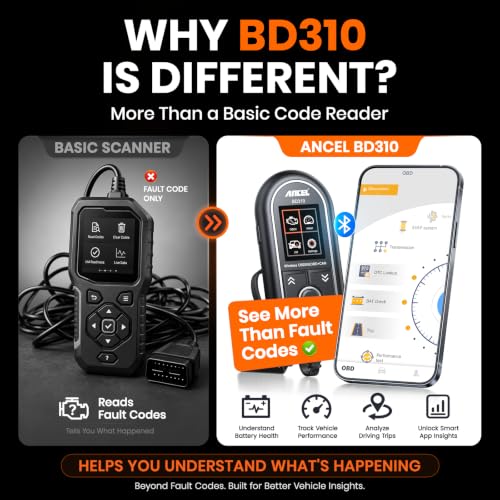
The ANCEL BD310 is the most app-savvy of the 2-in-1 scanners, and that’s its biggest strength. It offers wired reliability and Bluetooth convenience, letting you switch between on-device code reading and deep app diagnostics. The free app delivers HUD mode, trip analysis, performance testing, and live data overlays, features that make it feel like a connected car upgrade. Owners consistently praise the Google Search integration, which lets you look up DTC fixes without leaving the app.
It’s also one of the few tools that offer lifetime free app updates with no subscriptions. But like others in this class, it’s OBD2-only, no ABS or SRS. And while the app is powerful, it’s only as good as your phone’s battery and signal. If you’re comparing it to the NOVEINN or BT529, the ANCEL wins on app experience but loses on standalone usability. For younger DIYers or tech lovers, this is the most engaging tool in the lineup.
Product photos

NOVEINN Bluetooth OBD2 Scanner
Strengths
- Accurate battery testing
- Standalone screen
- Free app, no subscription
Trade-offs
- No ABS/SRS support
- Limited to OBD2 systems
- No service resets
The NOVEINN 2-in-1 scanner is a solid value play, it combines OBD2 diagnostics and battery testing in one device, which is exactly what budget-conscious DIYers need. What impresses is the accuracy of its battery health readings, including CCA, SOH, and internal resistance down to 0.01mΩ. Owners report it’s helped them avoid premature battery replacements by identifying weak charging systems instead. The 2.8” IPS screen is bright and readable, and the fact that it works standalone, no phone needed, gives it an edge over app-only tools.
It runs the YMOBD app, which is free and packed with features like trip analysis, HUD dashboard, and performance testing. But unlike the ANCEL BD310, it doesn’t rely on the app for core functions. The downside? It’s OBD2-only, so no ABS or SRS access. And while it supports EVAP tests and I/M readiness, it won’t help with transmission or airbag issues. For the price, it’s a complete package, just don’t expect it to replace a full-system scanner.
Product photos
FOXWELL NT301 Plus OBD2 Scanner
Strengths
- No smartphone needed
- Clear DTC explanations
- EVAP and smog check support
Trade-offs
- No app integration
- Windows-only updates
- No advanced service functions
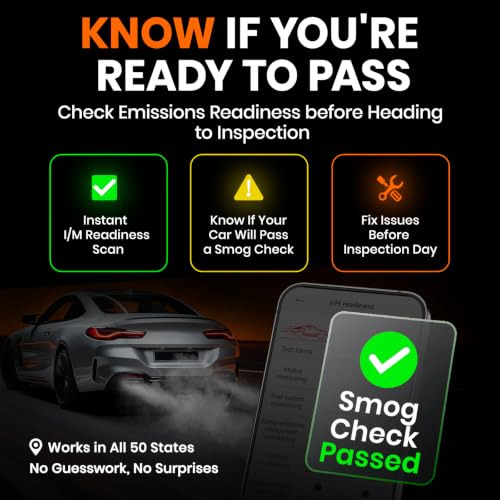
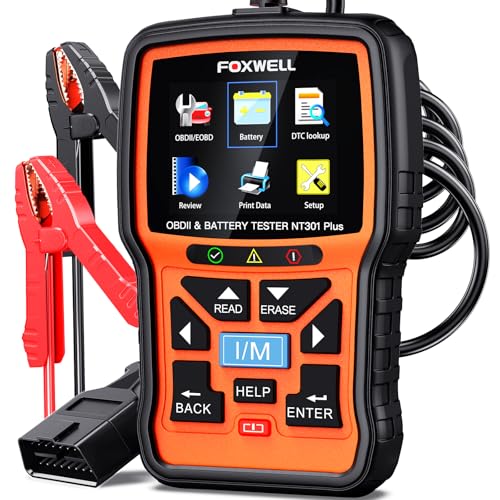
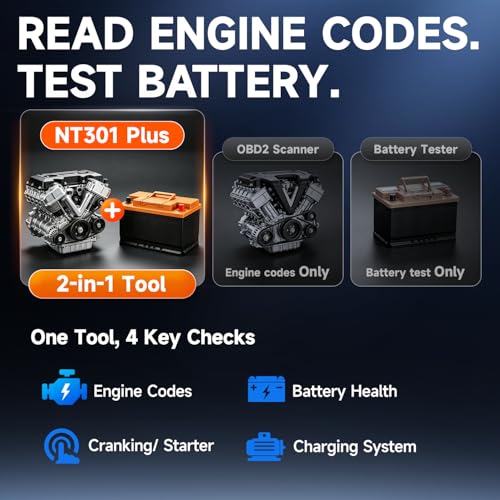
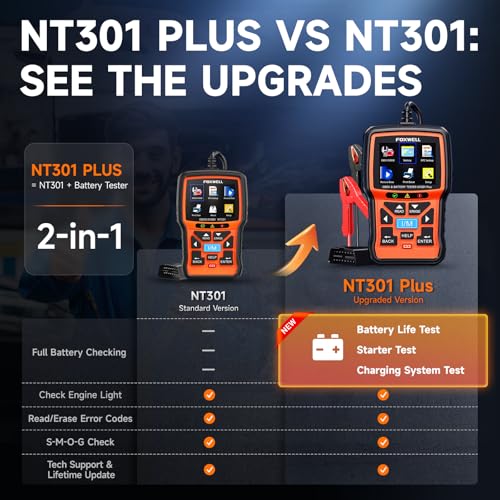
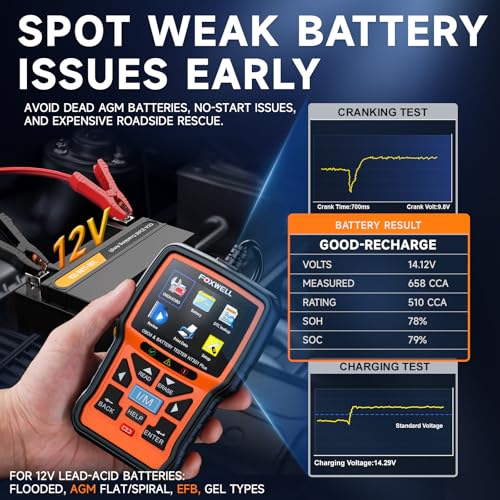
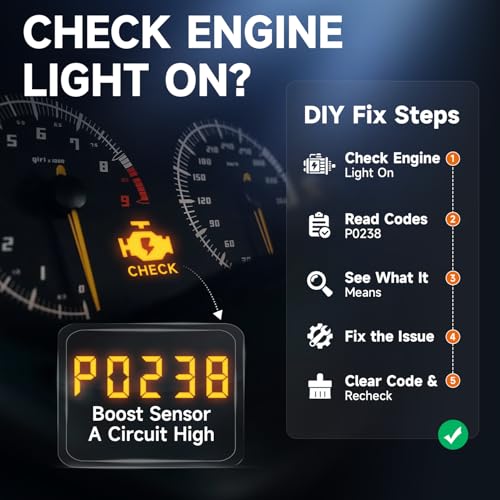
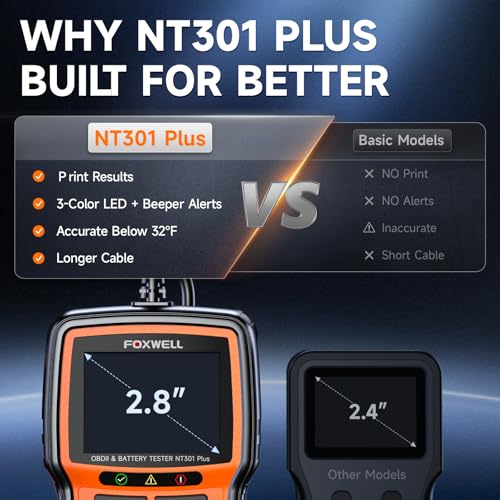
The FOXWELL NT301 Plus is a no-frills, no-app tool built for quick pre-drive checks, exactly what I’d want before a road trip. It combines engine code reading and battery testing in one rugged device, and the fact that it works without a smartphone is a big plus for older users or those who hate app dependency. Owners love the I/M readiness and EVAP leak test functions, which help them pass emissions without surprise failures. The DTC Lookup library explains codes in plain English, which reduces panic and guesswork.
But it’s limited, only engine and battery systems, no ABS, SRS, or transmission. And while it has a 2.8” screen, updates are Windows-only, which is a pain for Mac or iOS users. Compared to the ANCEL BD310, it’s less flashy but more reliable for basic checks. If you just want to know if your check engine light is serious or if your battery will survive winter, this does the job. But if you want deeper insights or app integration, look elsewhere.
Product photos
How We Picked These tools for vehicle performance analysis
Rather than a hands-on lab test, this is a research-led comparison of specifications, features, and – crucially – owner and expert reviews. I looked at a wide range of available tools, focusing on the features advertised by manufacturers and then cross-referencing those claims with what users are actually experiencing. This involved analyzing owner reviews from multiple sources, as well as professional assessments from automotive technician forums and publications. My goal was to build a ranking based on real-world usability and value, not just marketing hype.
For this category, the factors that most heavily influenced my rankings were breadth of diagnostic capability and ease of use. A tool that can access a wide range of vehicle systems and provide clear, actionable information is significantly more valuable than one limited to basic engine code reading. Equally important is how accessible that information is – a complex interface or reliance on obscure error codes diminishes a tool’s usefulness, especially for DIY mechanics. I also heavily weighted battery testing capabilities, as a robust battery test can prevent many frustrating roadside breakdowns.
Published specifications reliably indicate the types of vehicles a scanner should be compatible with and the protocols it supports. However, I placed more emphasis on owner feedback when assessing real-world compatibility and the accuracy of those features. Reviews often reveal whether a tool actually connects to a specific vehicle make and model, or if features like bi-directional control work as advertised. For more specialized diagnostics, like those related to tire pressure monitoring systems, owner reports were particularly valuable in determining the tool’s true effectiveness.
Choosing The Right tools for vehicle performance analysis
Choosing the right vehicle performance analysis tool can feel overwhelming, but understanding your needs is the first step.
A quality tool in this category delivers accurate diagnostic data, supports a broad range of vehicle makes and models, and offers a user-friendly interface. Look for features like bidirectional control, live data streaming, and access to thorough fault code databases. Consider whether you prioritize portability, wireless connectivity, or specialized functions like ADAS calibration.
Decoding Diagnostic Capabilities
The core function of any scanner is reading and interpreting diagnostic trouble codes (DTCs). However, simply displaying a code isn’t enough. The best tools go beyond basic code reading and offer bidirectional control. This means the scanner can actively command components – like opening a relay or activating a solenoid – allowing you to pinpoint intermittent issues and verify repairs. Don’t assume all scanners offer this; even some “professional” grade units lack true bidirectional capabilities. If you’re serious about DIY repairs, prioritize a tool with this feature.
Battery Testing and System Coverage
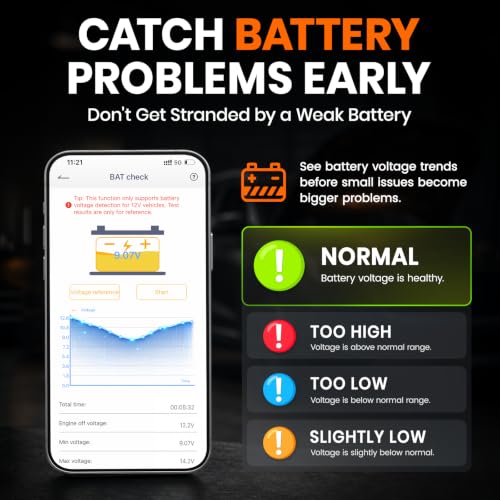
Many modern scanners are now combining OBD2 diagnostics with battery testing functionality, offering a convenient 2-in-1 solution. While a dedicated battery tester might provide more granular data, a combined tool like the ANCEL BD310 offers a valuable pre-check before diving into engine diagnostics. Beyond the engine, consider the depth of system coverage. Some scanners focus solely on the powertrain, while others offer access to ABS, SRS, transmission, and body control modules. If you plan to work on a variety of vehicles, or anticipate needing deeper diagnostics, look for a tool with full-system access.
Wireless Connectivity and App Integration
Wireless scanners, like the TOPDON ONE, are becoming increasingly popular due to their convenience and portability. Bluetooth connectivity allows you to use a smartphone or tablet as a display, freeing you from being tethered to a bulky scan tool. However, wireless connections can sometimes be less reliable than wired connections. Many of these scanners rely heavily on accompanying apps, so it’s crucial to check app reviews and ensure compatibility with your device. Also, be aware of subscription models. While some tools offer lifetime updates, others require ongoing fees to access the latest vehicle data and features. If you’re looking for essential mechanic tools, a reliable wireless connection is a key consideration.
A good rule of thumb? Don’t skimp on the database. Vehicle manufacturers are constantly updating their systems, and an outdated diagnostic tool is essentially useless.
Tools for Vehicle Performance Analysis Compared
The following table provides a specification comparison of various tools designed for vehicle performance analysis, allowing for a side-by-side assessment of key features.
| Product Name | Wireless Connectivity | Battery Test | OBD2 Functions | AI Assistance | System Coverage | Subscription |
|---|---|---|---|---|---|---|
| TOPDON ONE | WiFi | No | 50+ | Yes | Full | Yes |
| BT529 | Bluetooth | Yes | 10 | No | Full | No |
| XTOOL AD20 Pro | Bluetooth | No | Full | Yes | Full | No |
| FOXWELL NT604 Elite | Wired | No | 5 | No | Engine/ABS/SRS | No |
| ANCEL BD310 | Bluetooth | Yes | Full | No | Full | No |
| NOVEINN Bluetooth OBD2 | Bluetooth | Yes | Full | No | Full | No |
| FOXWELL NT301 Plus | Wired | Yes | Full | No | Engine | No |
Frequently Asked Questions
What level of technical skill is needed to effectively use these tools?
Most scanners are designed for a range of users, but some familiarity with vehicle systems is helpful. Basic code reading is straightforward, but features like bidirectional control and advanced data analysis require a more in-depth understanding of automotive diagnostics.
How often do these tools require software updates?
Updates are frequent, often quarterly, to support new vehicle models and repair procedures. A scanner with lifetime free updates is preferable to avoid ongoing subscription costs and keep your tool current.
Are wireless scanners as reliable as wired connections?
Wireless connections are convenient, but they can be susceptible to interference. While Bluetooth has improved, a wired connection generally offers a more stable and dependable link for data transfer.
Can these tools diagnose problems with my car’s transmission?
Many of the higher-end scanners offer transmission diagnostics, accessing codes and live data related to gear ratios, torque converter function, and other parameters. However, full transmission diagnostics often require specialized tools and expertise.
Where can I find more information on tire pressure sensor programmers if my scanner doesn’t offer TPMS relearn functions?
Dedicated TPMS programming tools are available for vehicles requiring advanced sensor coding or relearn procedures not supported by general-purpose scanners. These tools offer vehicle-specific coverage and can handle complex TPMS systems.
The Bottom Line
Choosing a vehicle performance analysis tool often comes down to how much control you want versus how much fuss you’re willing to tolerate. If you need thorough diagnostics and are comfortable with a steeper learning curve, the TOPDON ONE offers the broadest capabilities, even with its subscription model. It really delivers on the promise of full-system access and AI assistance.
For those on a tighter budget, or who primarily need basic engine diagnostics and battery testing, the ANCEL BD310 is an excellent value. If you’re after a versatile option that doesn’t require a monthly fee, the XTOOL AD20 Pro strikes a strong balance between features and cost. And for specialized tasks like TPMS relearn tools, consider a dedicated scanner alongside a general-purpose option.
Ultimately, the most impressive specifications won’t matter if a tool is difficult to use or doesn’t accurately connect to your vehicles. Focus on a scanner with a clear interface, positive owner reviews regarding compatibility, and the ability to access the specific systems you anticipate working on. A robust tool is an investment, but the right one will save you time, money, and a whole lot of frustration in the long run.
