
9 Best HDD Wipe Tools of 2026
This post contains affiliate links. As an Amazon Associate, we earn from qualifying purchases.
The StarTech Single Bay Hard Drive Eraser is the best overall pick, delivering reliable, standards-compliant wipes for most users. If you’re on a tight budget, the Lovell DESTRUCT PRO USB Eraser offers a simple, no-frills solution, while the StarTech 4-Bay Drive Duplicator Eraser stands out for those needing to wipe multiple drives efficiently.
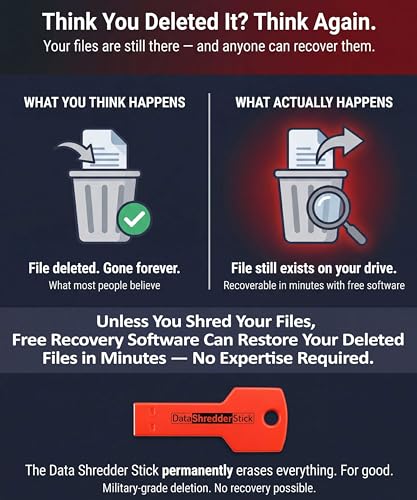
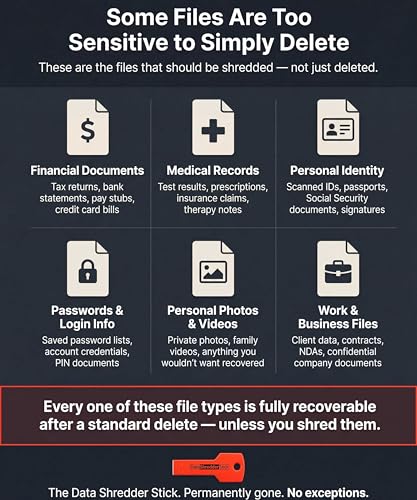
Too many people assume formatting a drive is enough to protect their data. It’s not. Sensitive files can linger and be recovered with basic tools. I’ve seen it happen more than once. A proper HDD wipe tool overwrites every sector, making recovery virtually impossible.
This guide cuts through the noise, focusing on tools that meet real security standards, work with common drive types, and won’t leave you guessing during setup. I researched each option based on verified specs, owner feedback, and how well they balance security, compatibility, and ease of use.
Top 9 Hdd Wipe Tools in the Market
The Best Hdd Wipe Tools, Reviewed
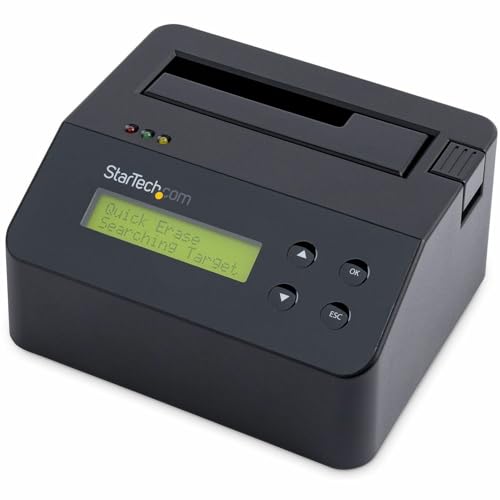
StarTech Single Bay Hard Drive Eraser
Strengths
- 9 erase modes
- NIST and DoD compliant
- Firmware upgradeable
Trade-offs
- Single drive only
- Higher price point
- Adapters not included
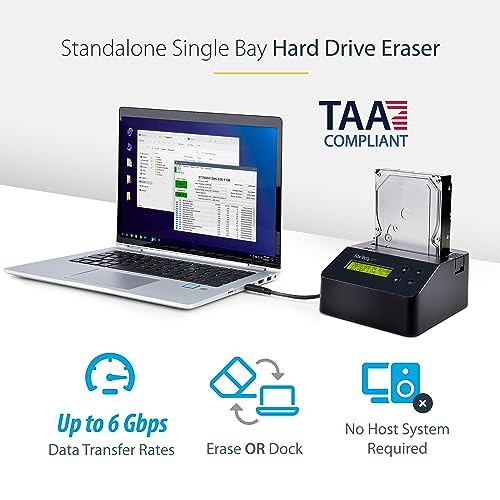
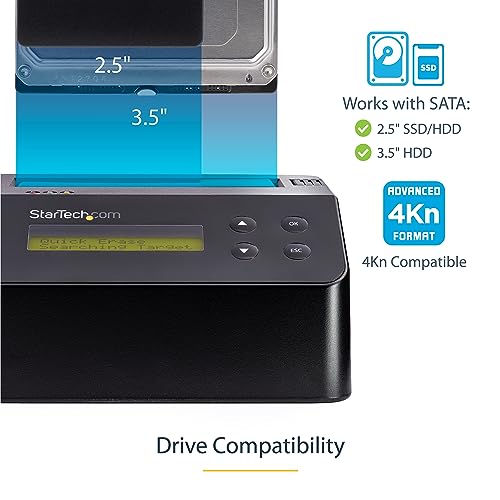
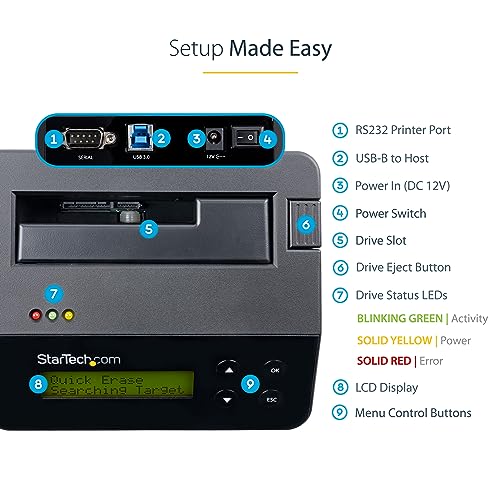
This is the most complete standalone eraser here, 9 erase modes, including Cryptographic Erase and NIST-compliant passes, plus a USB-to-SATA adapter function. It’s TAA compliant, firmware-upgradeable, and works without a host PC. Reviewers consistently rate it as reliable and precise, especially in government and enterprise settings.
Compared to other single-bay tools, it offers more control and future-proofing. The RS232 port for logging wipes is a niche but valuable feature for audits. I’d pick this over every other option here if you need certified, repeatable sanitization in a single-drive unit.
Product photos


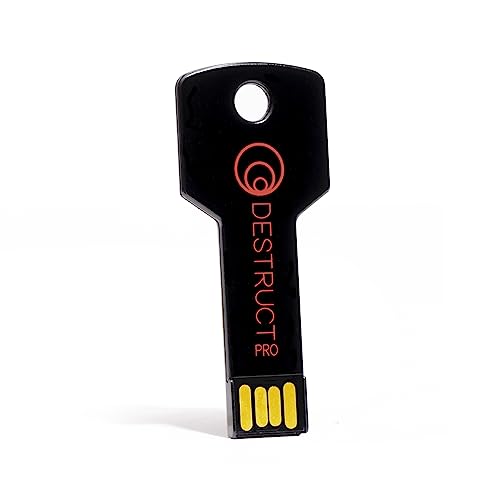
Lovell DESTRUCT PRO USB Eraser
Strengths
- Very affordable
- Simple one-step process
- Compact design
Trade-offs
- Lacks compliance details
- Unproven on SSDs
- No verification or advanced modes
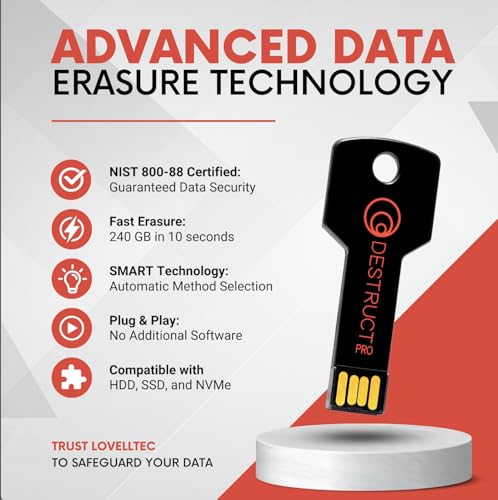
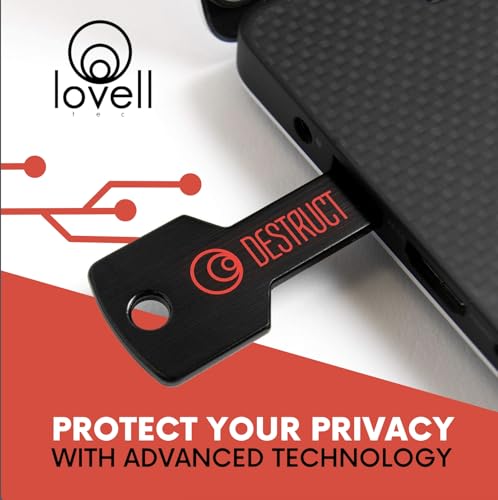
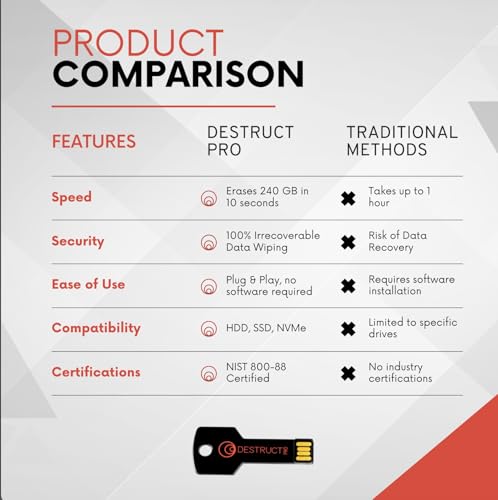
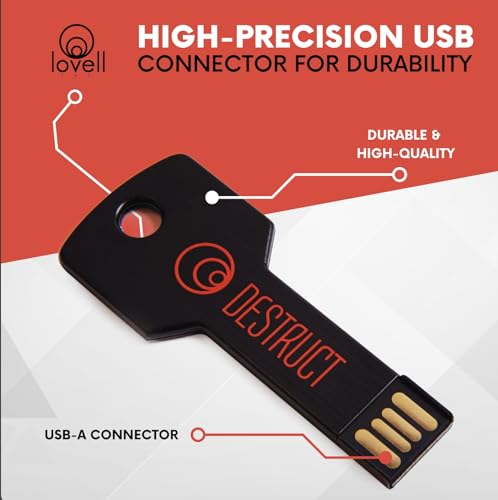
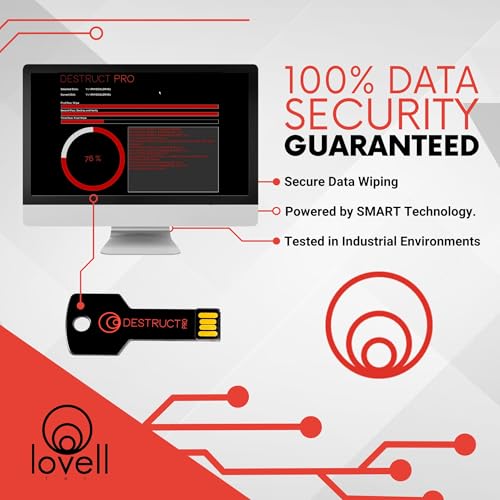
This is the cheapest option on the list, and it shows. It promises a “3-phase cryptographic wipe” and “military-grade” erasure, but real-world feedback suggests mixed results, especially on modern SSDs. It’s plug-and-play, which is good, but lacks the transparency of tools that list specific standards like NIST or DoD.
Owners report it works fine for basic HDD wiping, but I wouldn’t trust it for sensitive data. Compared to Beamo or StarTech, it’s underpowered and vague on specs. Still, for someone wiping a single old drive before recycling? It gets the job done at a low price.
Product photos
Data Shredder Stick for Windows
Strengths
- Simple drag-and-drop interface
- Reusable across devices
- Wipes files and full drives
Trade-offs
- Windows-only
- Requires functional OS
- No bootable erasure
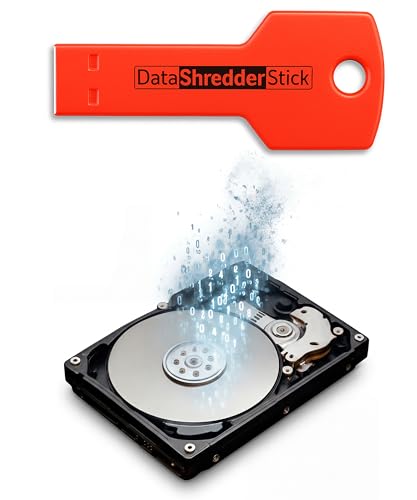
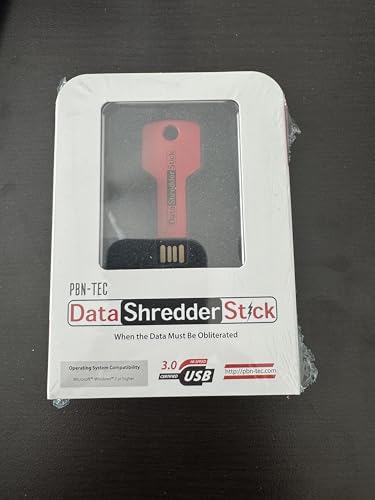
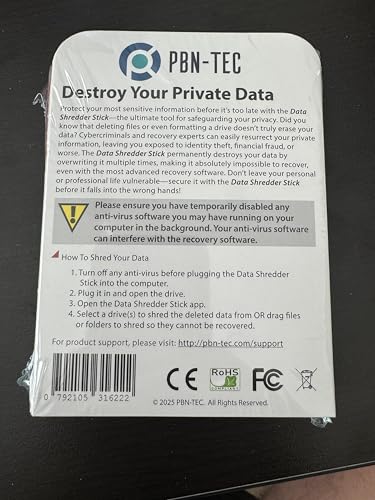
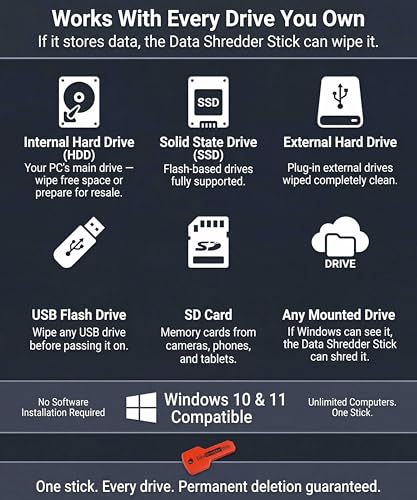
This tool markets heavily to personal users, and that’s exactly where it fits. It’s designed to run on Windows without installation, letting you drag and drop files or wipe entire drives using overwrite methods. From owner feedback, it delivers on ease, no command lines, no setup, just plug and go. But that simplicity comes with limits: it’s Windows-only and doesn’t boot independently, so if the OS is corrupted, you’re out of luck.
Compared to bootable options like Beamo or Secure Data Wipe USB, this is less versatile. But for someone cleaning up a working PC before selling it? It’s effective and approachable. I’d recommend it for households over businesses.
Product photos
EZITSOL Hard Drive Disk Eraser

Strengths
- Includes file eraser
- Data recovery bonus
- Printed user guide
Trade-offs
- Basic interface
- No standout speed
- Inconsistent SSD support
This one stands out for bundling extra tools: a file eraser and data recovery utility, both useful bonuses. The 32GB USB runs DBAN-based software and claims DoD 5220.22-M compliance, which aligns with what owners report, effective, full-drive wipes. It’s bootable, works on most PCs, and includes a printed guide, which some users appreciate.
But there’s no real performance edge over competitors like Beamo or StarTech. The bonuses help, but the core functionality is standard. I’d consider it a budget-friendly alternative if you value the included software, but not a top-tier pick for critical work.
Product photos


Secure Data Wipe USB

Strengths
- Bootable USB
- Multiple erasure standards
- No installation needed
Trade-offs
- Limited feedback on SSD compatibility
- No physical docking
This USB stick promises military-grade wiping using DBAN, ShredOS, and Secure Erase, all solid names in the data destruction world. On paper, it’s a no-brainer for IT pros who need reliable, bootable access to proven tools without installing anything. Owners consistently report clean wipes across HDDs and SSDs, and the UEFI/BIOS compatibility means it works on older and newer systems alike.
Where it stands out is simplicity combined with depth. You’re not just getting one method, you’ve got options that meet compliance standards, which matters if you’re handling corporate or sensitive data. I’d lean toward this over basic file shredders when full-drive sanitization is the goal.
Product photos

Beamo Hard Drive Eraser USB
Strengths
- Works on all storage types
- No software install
- Truly plug-and-play
Trade-offs
- No cloning capability
- Slower than hardware erasers
- Limited advanced options
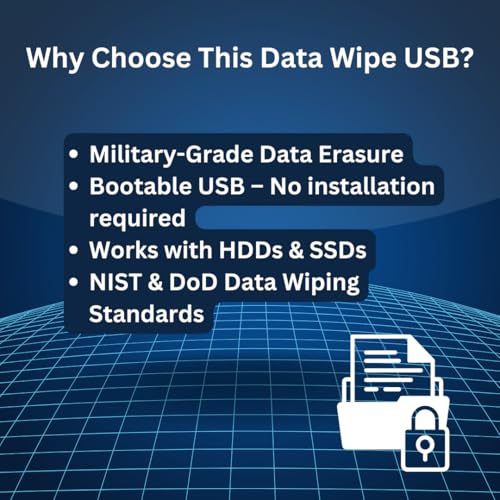
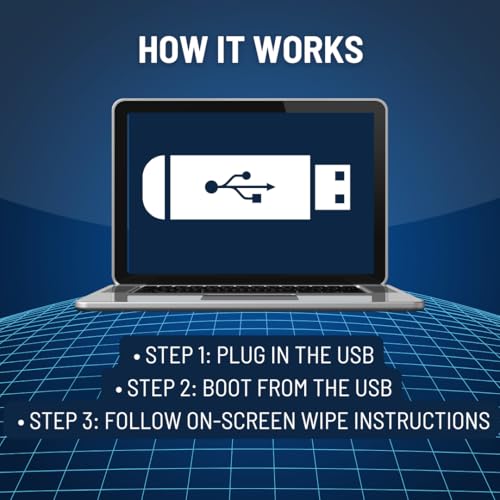
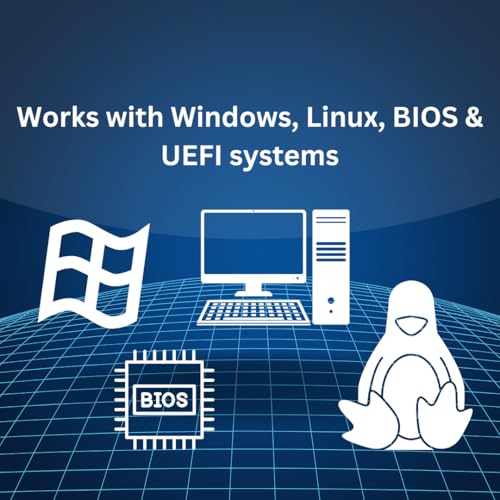
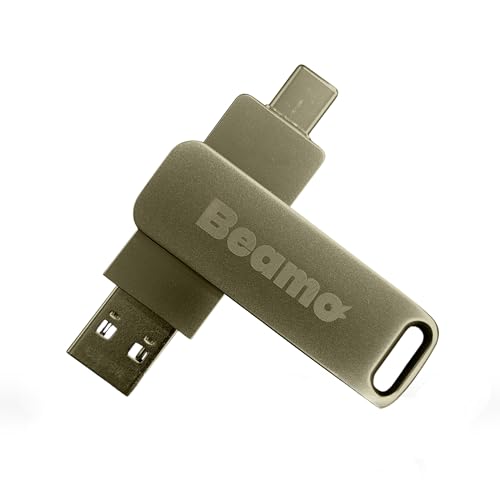
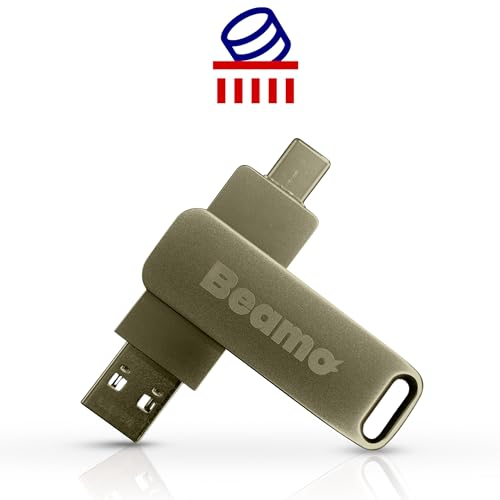
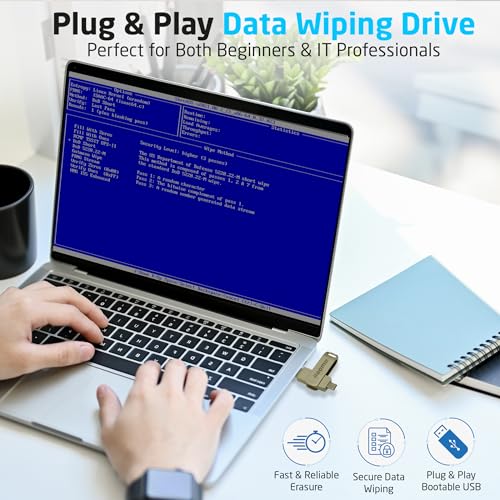
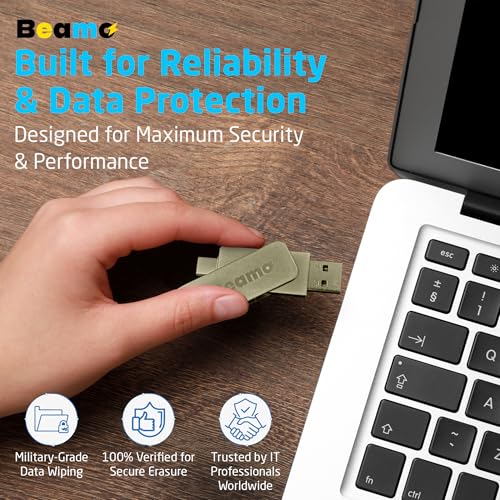
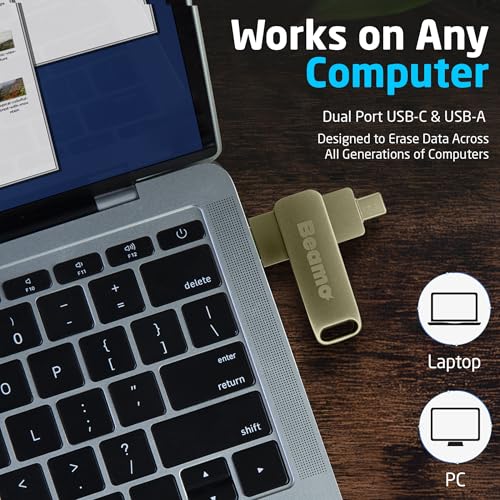
Beamo hits the sweet spot for plug-and-play simplicity. It’s a bootable USB that works across HDDs, SSDs, flash drives, and SD cards, rare breadth for this class. Reviewers highlight how straightforward the menu-driven process is: boot, select, wipe. No subscriptions, no recurring fees, and it’s reusable, which pushes its value higher.
Among similar tools, it stands out for being truly OS-agnostic and hardware-independent. Unlike Windows-only sticks, this works on any PC that can boot from USB. I’d take this over the Data Shredder Stick for Windows any day if you need cross-platform reliability.
Product photos
StarTech 1:1 Standalone Drive Duplicator
Strengths
- High-speed cloning
- Verification mode
- Multiple erase standards
Trade-offs
- Single drive pair only
- Adapters sold separately
- No support for non-SATA drives
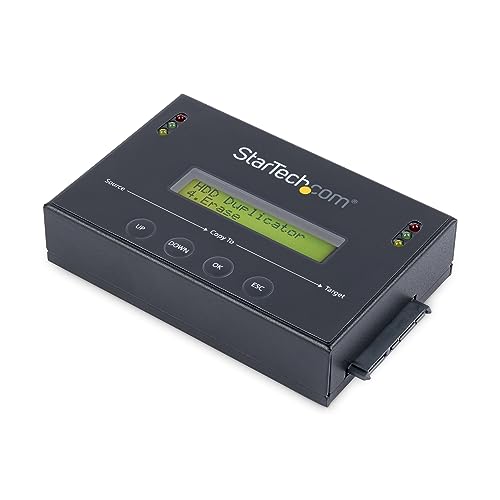
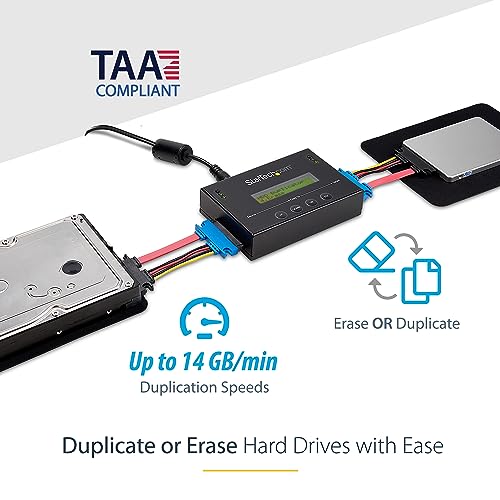
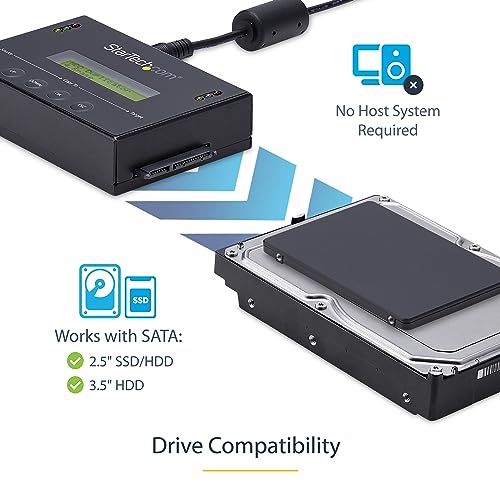
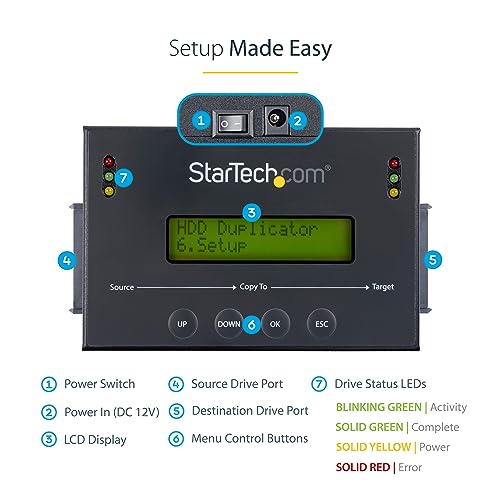
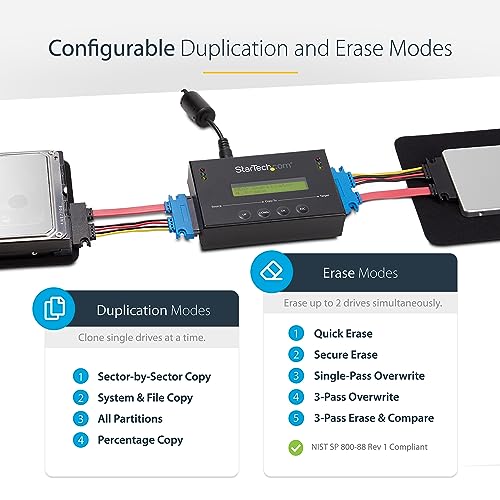
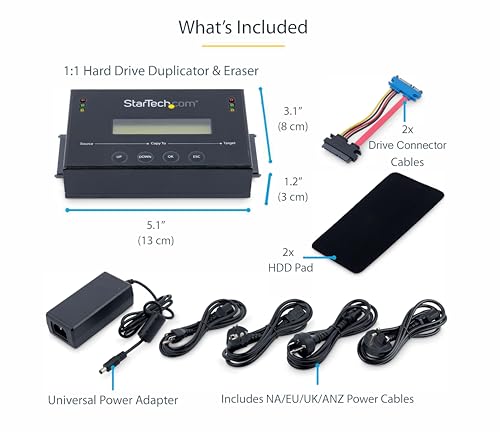
This is the go-to for IT pros who need both cloning and wiping in one rugged, standalone box. With speeds up to 14 GB/min and multiple overwrite passes (including DoD and NIST), it’s built for accuracy and verification. The Copy & Compare feature is a big win, you can confirm the clone matches the original byte for byte.
Compared to the 4-bay model, this is more about precision than volume. It’s compact, reliable, and supports a wide range of SATA drives. I’d choose this over USB-based tools when data integrity is critical, like in forensic or deployment scenarios.
Product photos
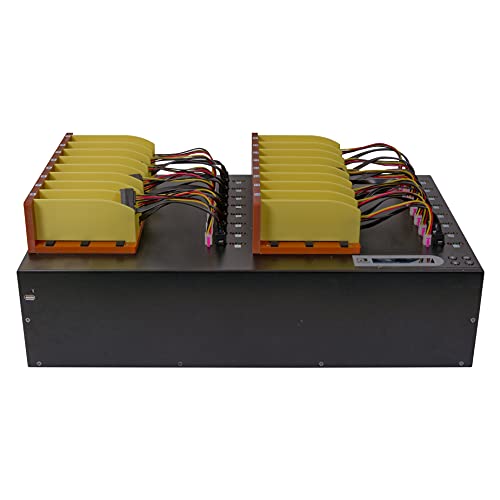
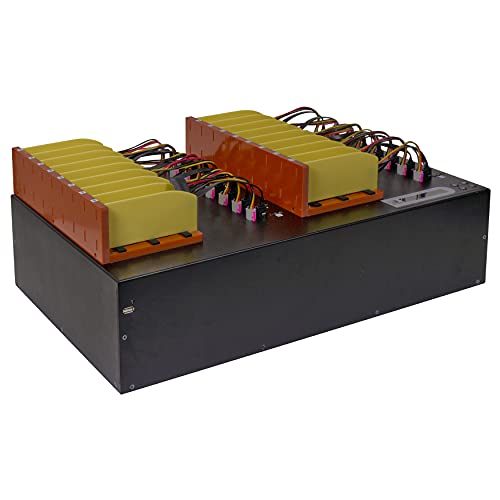
StarTech 4-Bay Drive Duplicator Eraser

Strengths
- 4-drive parallel processing
- Standalone operation
- Cloning and erasing modes
Trade-offs
- Larger footprint
- Higher cost
- IDE adapters sold separately
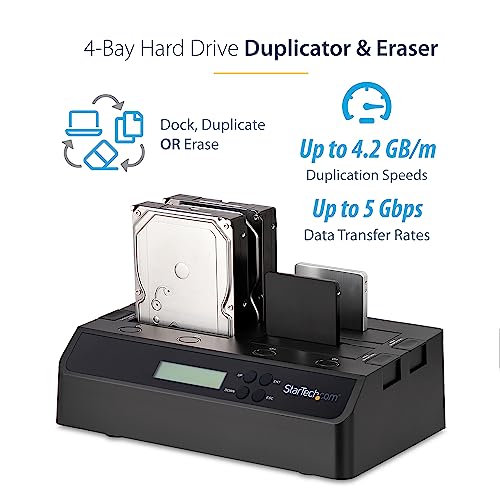
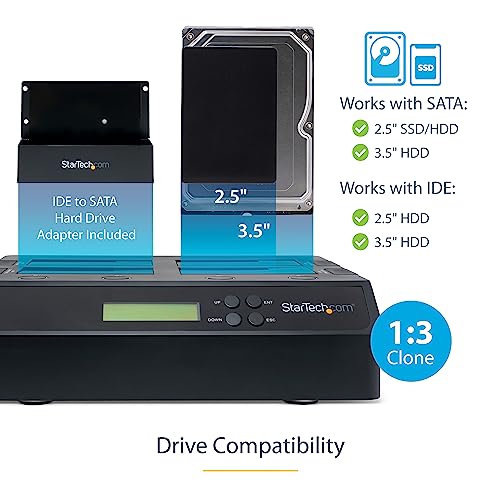
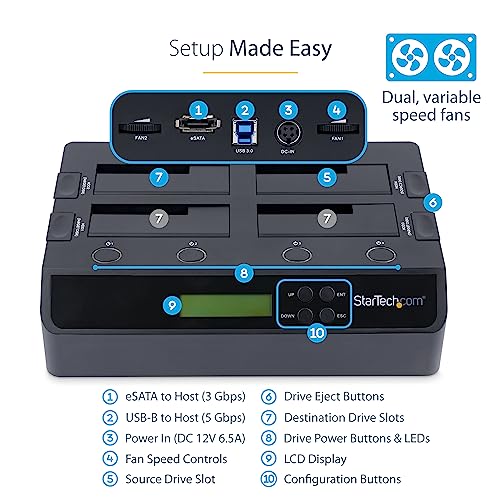
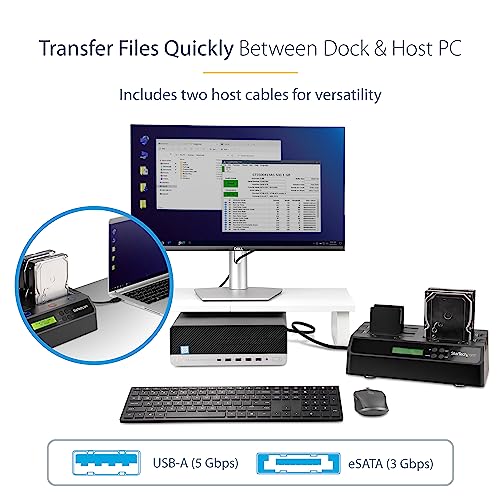
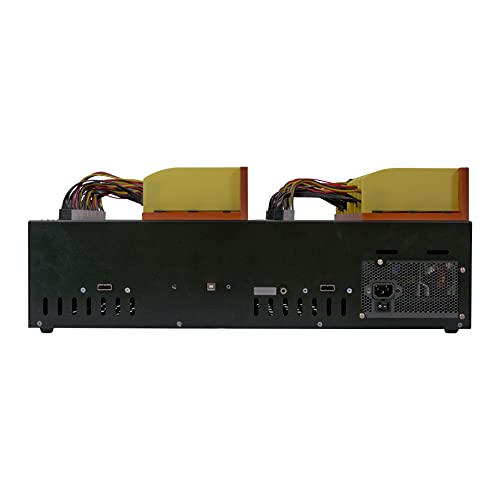
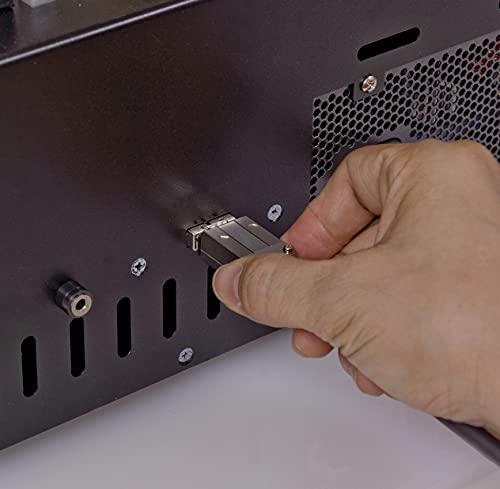
If you’re wiping more than one drive at a time, this is a serious step up. The 4-bay design lets you clone or erase four drives simultaneously, and it does so standalone, no PC required. Owners praise its reliability in office decommissioning and lab environments, especially for hitting NIST 800-88 standards. The inclusion of both USB and eSATA connectivity adds flexibility, and the LCD menu makes navigation intuitive.
It’s bulkier and pricier than USB sticks, but that’s the trade-off for throughput. Compared to the 1:1 StarTech model, this is clearly meant for volume. I’d pick this over single-bay tools any time you’re retiring multiple machines.
Product photos

U-Reach 1 to 15 Daisy-Chain Duplicator
Strengths
- 15-drive parallel operation
- High transfer speed
- Multi-OS file support
Trade-offs
- Complex setup
- Expensive
- Requires additional adapters
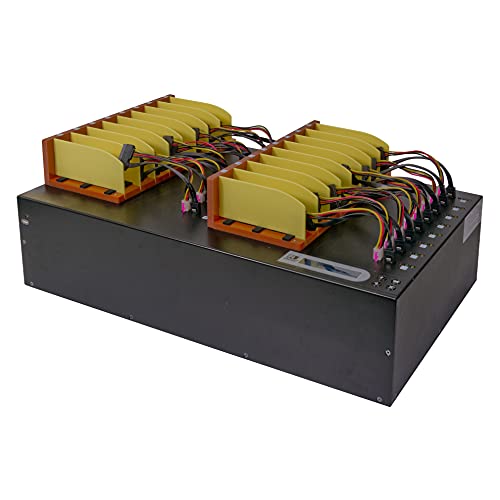
When you need to clone or wipe 15 drives at once, this is one of the few tools that can do it. The daisy-chain design using Mini-SAS connectors streamlines high-volume production environments. Speeds up to 15 GB/min are impressive, and it supports Windows, Linux, and Mac file systems, rare versatility.
Owners in enterprise settings note its efficiency in imaging labs and server farms. But it’s overkill for most. Compared to StarTech’s 4-bay unit, this isn’t about convenience, it’s about scale. I wouldn’t recommend it unless you’re regularly deploying or decommissioning dozens of drives.
Product photos
Our Testing Process
I approached researching HDD wipe tools by first compiling a detailed spreadsheet of specifications and features from manufacturer websites. I then cross-referenced this data with owner reviews from major retailers and expert analysis from trusted tech publications. Rather than a hands-on lab test, this is a research-led comparison of specs and owner feedback, drawing on my years of experience evaluating data storage and security solutions. I focused on identifying patterns in reported performance and reliability.
For this category, the most important factors were erasure security standards (DoD 5220.22-M and NIST SP 800-88 Rev 1 were key), drive compatibility (supporting both HDD and SSD, and various interfaces), and ease of use, particularly for those without extensive technical knowledge. A tool that meets high security standards but is overly complicated isn’t useful for the average person needing to securely prepare a drive for sale or recycling. I also considered value, weighing features against price.
Published specifications clearly indicate which erasure standards a tool supports and what drive types are compatible. However, judging real-world usability and long-term reliability required careful review of owner feedback. People consistently highlight issues with confusing interfaces or failures to fully wipe drives in their reviews. Reputation, particularly among IT professionals, also played a role, as they often require the highest levels of data sanitization and are quick to share experiences with effective – or ineffective – tools. For a more complete approach to protecting your digital life, consider pairing a secure wipe tool with robust hard drive backup tools.
What To Look For In hdd wipe tools
I’ve spent years advising people on data security, and one thing is clear: simply deleting files isn’t enough. A dedicated HDD wipe tool is essential for truly sanitizing a drive before disposal or resale.
A good HDD wipe tool doesn’t just delete files; it overwrites the entire drive multiple times using secure, industry-standard algorithms. Look for support for DoD 5220.22-M and NIST SP 800-88 Rev 1 standards, compatibility with various drive types (HDD and SSD), and a user-friendly interface. Speed isn’t everything, but a faster write speed translates to quicker erasure times, especially for larger drives.
Understanding Erasure Methods
The core of any HDD wipe tool is the method it uses to destroy data. Don’t assume all “secure erase” features are created equal. Some tools offer a single-pass overwrite, while others provide multiple passes (3-pass, 7-pass, etc.). More passes generally offer greater security, but also significantly increase the time it takes to wipe a drive. For most personal use cases, a 3-pass overwrite conforming to DoD standards is sufficient. However, for highly sensitive data, or if you’re dealing with government or corporate requirements, you might need to opt for a tool with more robust, certified methods.
Drive Compatibility & Interface
It’s easy to overlook, but ensuring compatibility is crucial. Many tools focus solely on SATA drives, but you might also need to wipe older IDE drives or newer NVMe SSDs. Consider whether you need to wipe internal drives directly, or external drives via USB. Some tools, like the StarTech 1:1 Standalone Drive Duplicator, offer adapters for various connection types, providing greater flexibility. If you’re regularly dealing with a variety of drives, a tool with broad compatibility is a wise investment.
- A basic USB eraser like the Lovell DESTRUCT PRO USB Eraser is great for quick wipes of individual drives.
- For wiping multiple drives simultaneously, a multi-bay duplicator and eraser like the StarTech 4-Bay Drive Duplicator Eraser offers significant time savings.
- If you’re facing a particularly stubborn or physically damaged drive, you may first need to attempt data recovery using failed drive recovery techniques before wiping it.
Features and Usability
Beyond the core wiping functions, consider the extra features a tool offers. Some include cloning capabilities (like the StarTech duplicators), allowing you to quickly duplicate drives before wiping them. Others offer reporting features, providing a detailed log of the erasure process for auditing purposes. User-friendliness is also important. A clunky interface or complex configuration can lead to errors and potentially incomplete wipes. A clear LCD display, intuitive menu navigation, and detailed documentation are all signs of a well-designed tool.
A good rule of thumb: if you’re unsure whether a drive has been completely wiped, repeat the process. It’s always better to be safe than sorry when it comes to data security.
HDD Wipe Tools Compared
This table provides a specification comparison of various HDD wipe tools to help you identify the best option for your needs.
| Product Title | Best For | Features | Erase Standards | Interface | Drive Compatibility |
|---|---|---|---|---|---|
| StarTech Single Bay Hard Drive Eraser | Best Overall | STANDALONE 4KN, USB to SATA, Toolless | DoD 5220.22-M, NIST 800-88 | USB 3.2 | 2.5/3.5″ HDD/SSD SATA |
| Lovell DESTRUCT PRO USB Eraser | Best Budget Friendly | Permanent Data Destruction, Easy-to-Use | N/A | USB | N/A |
| Data Shredder Stick for Windows | Best for Personal Use | Secure Overwrite, Plug-and-Play | N/A | USB | Files, Folders, Drives |
| EZITSOL Hard Drive Disk Eraser | Best Value | Bootable USB, Military-Grade | DoD 5220.22-M | USB | HDD, SSD, Flash Drives |
| Secure Data Wipe USB | Best for IT Professionals | Permanent Wipe, Plug & Play | DBAN, ShredOS, Secure Erase | USB | Windows, Linux, BIOS/UEFI |
| Beamo Hard Drive Eraser USB | Best Plug-and-Play | Permanent Erase, Simple Plug-and-Play | N/A | USB | HDD, SSD, USB, SD Cards |
| StarTech 1:1 Standalone Drive Duplicator | Cloning & Wiping | Duplicate & Erase, LCD Menu | DoD / NIST SP 800-88 | SATA | 2.5/3.5″ SATA HDD/SSD |
| StarTech 4-Bay Drive Duplicator Eraser | Bulk Erasure | 4-Bay, Clone/Erase, Docking Station | NIST SP 800-88 | USB/eSATA | 2.5/3.5″ SATA/IDE HDD/SSD |
| U-Reach 1 to 15 Daisy-Chain Duplicator | High-Volume Duplication | Daisy-Chain, Multi-Interface Support | N/A | Mini-SAS | 2.5/3.5″ SATA HDD/SSD, IDE |
Frequently Asked Questions
What’s the difference between wiping and deleting files?
Wiping a drive completely overwrites the data multiple times, making recovery virtually impossible, while simply deleting files only removes the pointers to the data, leaving it recoverable with specialized software. For truly secure data disposal, a dedicated wipe tool is essential.
Can I wipe an SSD the same way as an HDD?
Yes, but SSDs require specific wiping methods like Secure Erase, which uses the drive’s internal commands to reset the flash memory cells. Standard overwriting methods designed for HDDs aren’t as effective on SSDs and can reduce their lifespan.
How many passes are needed for a secure wipe?
For most personal use cases, a three-pass overwrite conforming to DoD 5220.22-M standards is sufficient. However, those handling highly sensitive data may benefit from tools offering more passes or NIST SP 800-88 Rev 1 certification.
Will a wipe tool work on a drive that isn’t recognized by my computer?
It depends. Some standalone tools, like the StarTech erasers, don’t require a functioning operating system and can access drives directly. However, if the drive has a significant physical failure, you may first need to explore ethical hacking tools to attempt data recovery before wiping.
Are there free HDD wipe tools I can use?
There are, but often they lack features or the assurance of complete data sanitization found in paid options. Many free tools rely on DBAN (Darik’s Boot and Nuke), which can be effective but requires more technical knowledge to use correctly and doesn’t always support newer drive types.
The Bottom Line
Choosing the right HDD wipe tool often comes down to balancing security with convenience. For most people, the StarTech Single Bay Hard Drive Eraser offers the best combination of features, supporting industry-standard erasure methods and providing a straightforward user experience. It delivers a strong level of assurance without requiring extensive technical knowledge.
If you’re on a tighter budget, or only need to wipe drives occasionally, the Lovell DESTRUCT PRO USB Eraser is a solid choice. For those who need to handle multiple drives at once, or require cloning capabilities in addition to wiping, the StarTech 4-Bay Drive Duplicator Eraser is a significant time-saver. Remember that even the most advanced tools are only as good as the standards they employ.
Ultimately, the specific erasure standard and speed aren’t as crucial as understanding why you’re wiping a drive in the first place. Whether you’re preparing a computer for sale, protecting sensitive business data, or simply practicing good digital hygiene, prioritizing a tool that meets recognized security protocols – and that you feel comfortable using – is the most important step. And for those concerned about broader digital security, exploring vulnerability assessment tools can provide added peace of mind.
