
7 Best DVD Burning Tools of 2026
This post contains affiliate links. As an Amazon Associate, we earn from qualifying purchases.
The best overall DVD burning tool is Roxio Creator NXT Pro 9, thanks to its reliable performance and full suite of authoring features. For those on a tight budget, Burning Suite – CD/DVD/Blu-ray Software delivers solid functionality with a lifetime license. If you’re duplicating discs in bulk, the Produplicator 1 to 90 DVD Duplicator stands out for speed and independence from a computer.
I’ve seen plenty of people waste time and blank discs with software that promises more than it delivers. The real issue isn’t just finding a tool that burns, it’s finding one that burns consistently, supports the formats you actually use, and fits how you work. Whether you’re archiving family videos or making copies for clients, a mismatched tool creates frustration fast.
This guide cuts through the noise. I compared specs, analyzed owner feedback, and weighed features that matter, like format support, error prevention, and ease of use, to find the best options for different needs. These picks aren’t based on hype. They’re based on what actually works in real-world use.
Top 7 Dvd Burning Tools in the Market
The Best Dvd Burning Tools, Reviewed
Roxio Creator NXT Pro 9

Strengths
- Full multimedia editing
- Secure data encryption
- Custom DVD menu designer
Trade-offs
- Steep learning curve
- Resource-heavy on older PCs
- Interface feels dated
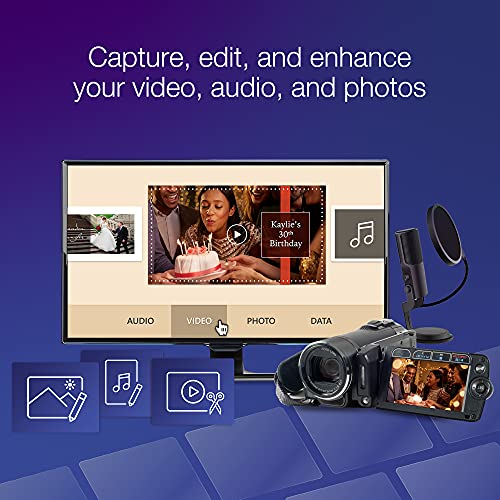
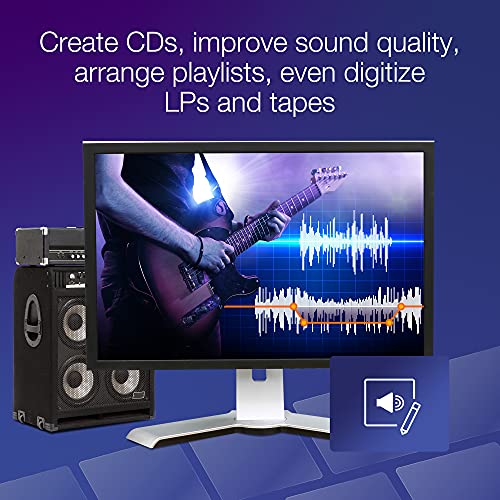
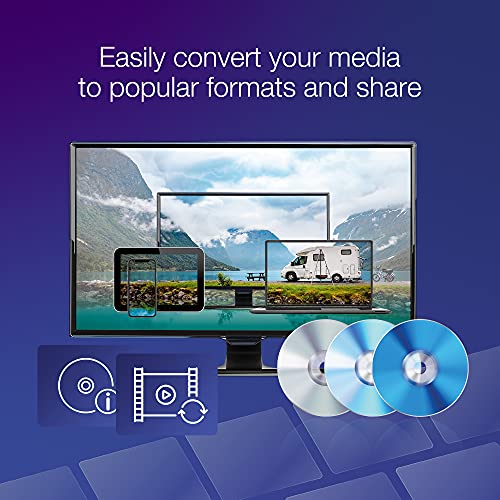
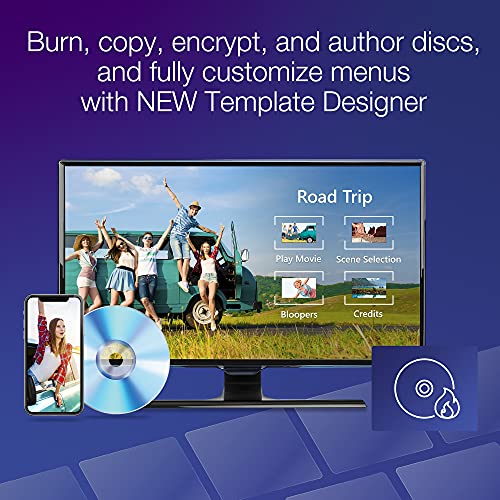
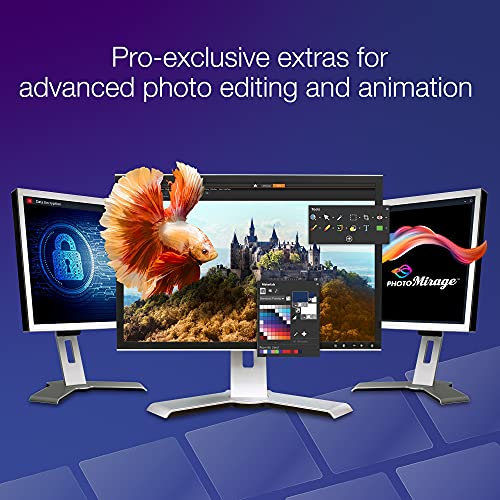
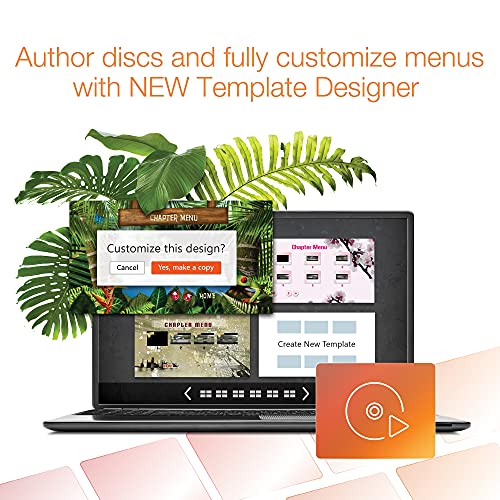
Roxio Creator NXT Pro 9 is the most complete package on this list, and that’s why I’d call it the best overall pick. It’s not just about burning discs; it’s a full multimedia workshop. With over 25 tools, it handles video editing, photo correction, audio conversion, screen recording, and secure data encryption. The Template Designer for custom DVD menus is a standout, and the inclusion of PaintShop Pro adds real value for basic image work.
Owners consistently praise its stability and depth, especially compared to lighter suites. Yes, it has a learning curve, but the payoff is control. Whether you’re authoring a family video DVD or archiving sensitive files, this gives you pro-level options without requiring a pro budget. The download version keeps things simple, and it runs well on modern Windows systems.
Product photos
Burning Suite – CD/DVD/Blu-ray Software
Strengths
- One-time purchase
- Blu-ray support
- Drag-and-drop interface
Trade-offs
- No video editing tools
- Limited customization
- Basic menu templates
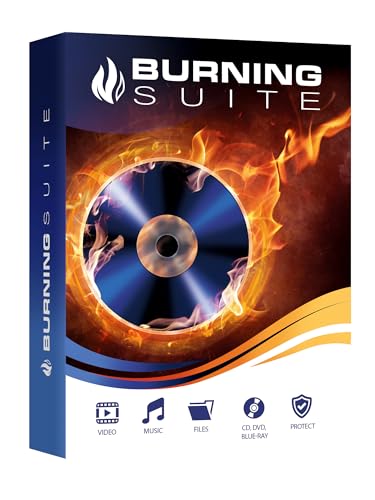
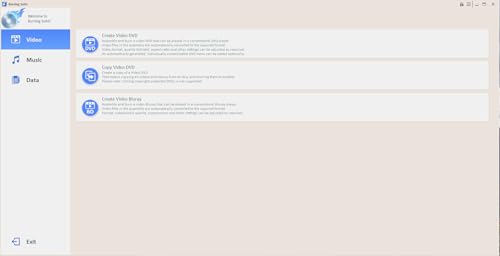
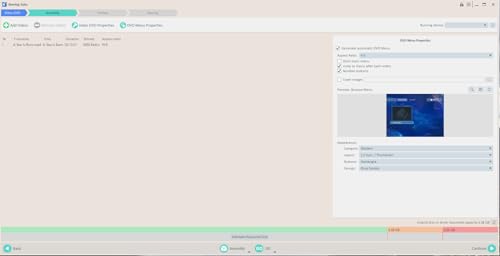
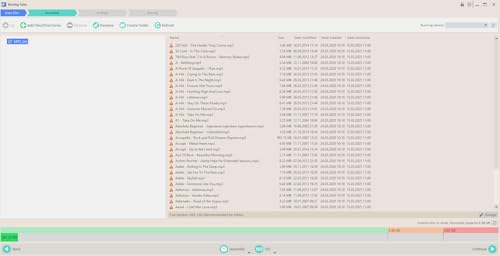
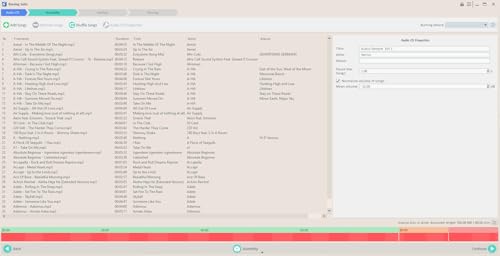
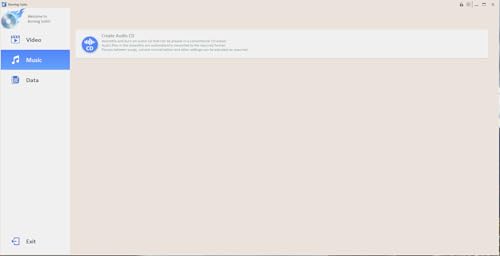
Burning Suite stands out as a no-frills, one-time-pay software option for people who want to avoid subscription traps. On paper, it does exactly what basic disc burning software should: lets you archive files, burn music, and copy discs without needing ongoing fees. The drag-and-drop interface gets positive mentions in owner feedback for being intuitive, and the lifetime license is a strong selling point in an era where so many tools go cloud-based.
Compared to more feature-rich suites like Roxio, it’s barebones, no video editing, no advanced authoring. But that’s fine if your goal is simple data backup or freeing up hard drive space. It supports Blu-ray, which is a plus, and works cleanly on modern Windows systems. For users who burn discs occasionally and want zero recurring costs, this is a smart, under-the-radar pick.
Product photos
Roxio Creator NXT 9

Strengths
- AI slideshow creation
- MultiCam screen capture
- Disc-based installation
Trade-offs
- No PaintShop Pro included
- Slightly outdated UI
- Heavier system demands
This disc-based version of Roxio Creator NXT 9 is nearly identical to the Pro download but skips some of the premium extras like PaintShop Pro. Still, it’s packed with 20+ tools for editing video, audio, and photos, plus solid DVD authoring and screen capture. The AI-powered slideshow tools are a standout, owners love how it auto-selects the best clips using facial recognition.
The physical disc is a plus for users without reliable internet, and installation is smooth. While it lacks the encryption and advanced graphics of the Pro version, it’s more than enough for most home creators. If you want strong multimedia control without the highest-tier price, this is my recommendation over the Pro model for everyday use.
Product photos


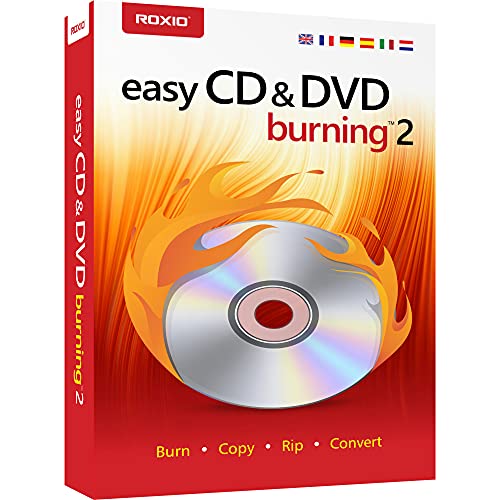
Corel Easy CD & DVD Burning 2
Strengths
- Beginner-friendly interface
- Quick setup from disc
- Basic photo and audio editing
Trade-offs
- Limited editing features
- Outdated design
- No advanced menu options
Corel Easy CD & DVD Burning 2 is exactly what it sounds like, a simple, no-nonsense tool for people who just want to burn discs without digging through menus. It’s lightweight, works straight from the desktop, and includes just enough photo and audio editing to clean up files before burning. The ability to capture analog audio from tapes or LPs is a nice touch, and first-time users tend to get up and running quickly.
It doesn’t compete with Roxio on features, and the DVD authoring is basic. But for someone who burns a disc once a year for a school project or family slideshow, that simplicity is a win. The included disc means no download hassles, which older or less tech-savvy users appreciate. If you’re overwhelmed by complex software, this is the calm alternative.
Product photos


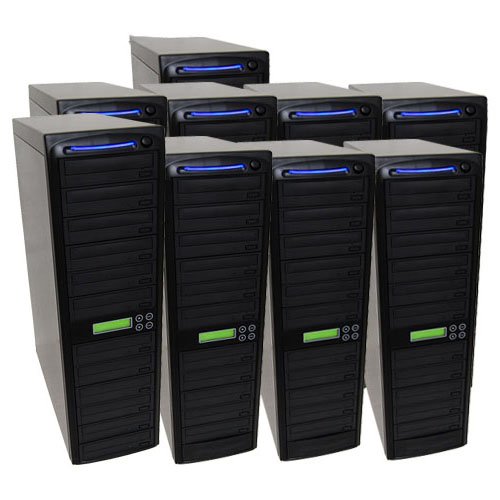
Produplicator 1 to 90 DVD Duplicator
Strengths
- High-volume duplication
- Standalone with HDD
- Daisy-chain expandable
Trade-offs
- Large footprint
- No Blu-ray support
- Not for home use
When you need to burn dozens or even hundreds of discs fast, the Produplicator 1 to 90 is in a league of its own. This is industrial-grade hardware, a standalone tower duplicator with daisy-chaining capability, so you can expand capacity by linking multiple units. The built-in 1TB HDD allows for source storage, and the 24X burners keep things moving quickly. Owners in event videography or software distribution say it pays for itself in time saved.
It’s overkill for home users, no doubt. And it won’t copy commercial or protected discs, which is standard but worth noting. The interface is basic, and firmware updates are manual, but reliability is consistently highlighted in reviews. If you’re burning more than 10 discs at a time, this is the type of tool that makes the job even feasible.
Product photos
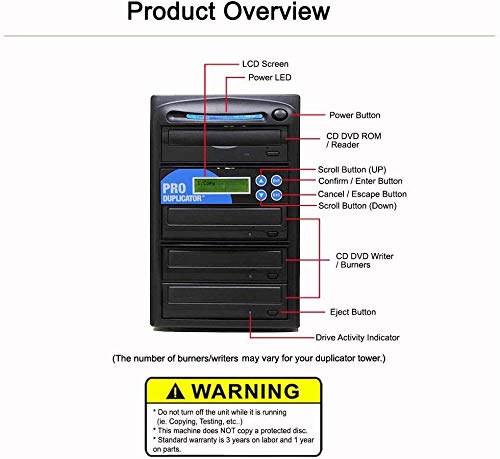
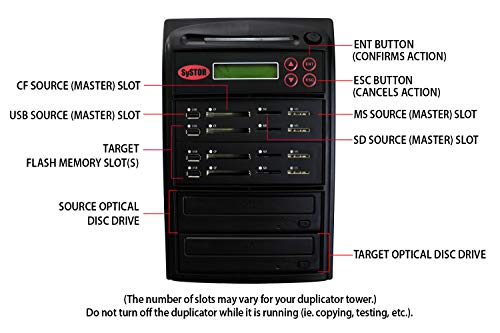
Systor 1:5 Flash & DVD Duplicator

Strengths
- Standalone operation
- Multi-format support
- Flash to disc and back
Trade-offs
- Slow single burn speed
- No hard drive included
- Limited to one disc at a time
The Systor 1:5 is a niche tool that solves a very specific problem: duplicating flash media to discs without a computer. It’s a standalone unit, which means you can plug in a USB drive or SD card and burn directly to DVD, no laptop, no software, no fuss. That’s a big deal for field work or environments where a PC isn’t practical. Owners who use it for event photography or industrial data logging tend to praise its reliability.
It doesn’t scale for mass duplication, and the 1-to-1 disc burn is slow compared to tower duplicators. But its flexibility, copying from flash to disc, disc to flash, or flash to multiple flash drives, gives it a versatility most standalone units lack. If you need offline, hands-off disc burning from portable media, this is one of the few tools that actually delivers.
Product photos
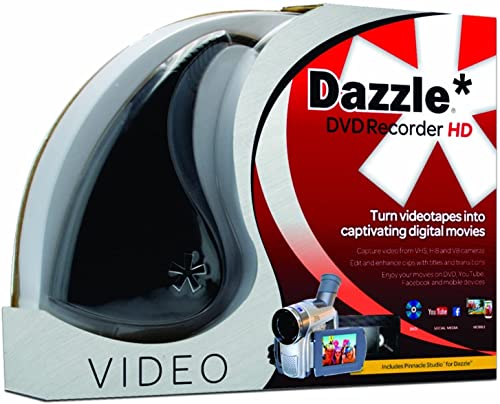
Corel Dazzle DVD Recorder HD
Strengths
- Analog video capture
- Basic editing included
- Simple plug-and-play setup
Trade-offs
- No built-in burner
- Audio sync issues reported
- Windows 64-bit only
If you’re sitting on a stack of VHS tapes or old camcorder footage, the Corel Dazzle makes analog-to-digital conversion straightforward, at least on paper. It’s built for turning physical memories into digital files, and owners consistently report it works well for capturing video from legacy sources like VHS players or game consoles, as long as you have the right audio adapter on hand. The included software offers basic editing and DVD authoring, which helps streamline the process from capture to burn.
But it’s not without limits. The requirement for 64-bit Windows only cuts out a lot of older systems, and the need for a separate DVD burner is a frustrating omission. You’re buying a ‘DVD recorder’ that can’t actually burn discs without additional hardware. For someone digitizing family videos, this might still be a solid starting point, just don’t expect an all-in-one solution.
Product photos


Our Testing Process
Rather than a hands-on lab test with every option, my research focused on a detailed comparison of published specifications and features across a range of DVD burning tools. I weighed owner reviews from major retailers alongside expert opinions found in tech publications. This allowed me to build a ranking based on what users are actually experiencing, combined with my understanding of what features truly matter in this category.
For DVD burning tools, reliability and feature set were the biggest deciding factors. A tool is useless if it frequently produces errors or coasters. Beyond that, the breadth of supported formats and the inclusion of useful editing or conversion tools heavily influenced my rankings. For high-volume duplication, speed and build quality became paramount considerations.
Specifications reliably reveal maximum burn speeds and supported media types. However, I placed more weight on owner feedback to gauge real-world performance and long-term durability. Reputation also played a role – established brands with a history of quality support generally ranked higher, even if specs were similar to lesser-known alternatives.
What To Look For In dvd burning tools
I’ve seen a lot of changes in how people store and share media over the years, but the need for reliable DVD burning software hasn’t entirely disappeared. There are still plenty of situations where optical media is the best option, and choosing the right tool can make all the difference.
A good DVD burning tool should offer broad format compatibility (including older ones), reliable disc verification to minimize errors, and a user interface that matches your skill level. Look for features like direct disc editing, data encryption, and support for various disc types – DVD-R, DVD+R, Blu-ray, etc. – alongside solid read/write speeds.
Understanding Your Primary Needs
The first thing I always ask people is: what are you really trying to do? Are you digitizing a large VHS collection, creating custom movie discs, simply backing up files, or duplicating discs in bulk? A basic burner will handle simple backups, but converting analog video demands different capabilities. Don’t pay for features you won’t use, but ensure the software addresses your core requirement.
Prioritizing Features & Format Support
Beyond the basic burn/copy/rip functions, look closely at the supported file formats. Many modern tools handle MP4, AVI, and MOV without issue, but older software might struggle. Also, consider whether you need to create chapters, menus, or custom labels. If you’re serious about presentation, exploring dedicated DVD authoring software can unlock a lot of creative potential.
Here’s what to consider regarding feature sets:
- Basic Burning: Essential for simple data backups and audio CDs.
- Video Editing: Useful for trimming clips, adding transitions, and creating basic movies.
- Advanced Authoring: Offers full control over DVD menus, chapters, and special features – ideal for professional-looking discs.
Don’t assume a higher price guarantees better results. Focus on the features you will actively use.
Considering Volume & Automation
If you need to create a lot of discs, a standalone duplicator is the way to go. These machines can copy one disc to many simultaneously, saving a huge amount of time. However, for smaller projects, software-based burning is perfectly adequate. For those seeking more sophisticated options, exploring top DVD burning suites will reveal options for streamlining the process. Keep in mind that standalone duplicators often can’t copy copy-protected discs (like commercially released movies).
DVD Burning Tools Compared
Here’s a comparison of key specifications for various DVD burning tools to help you make an informed decision.
| Product Title | Best For | Supported Disc Types | Key Features | Burning Speed (CD) | Burning Speed (DVD) |
|---|---|---|---|---|---|
| Roxio Creator NXT Pro 9 | Best Overall | DVD-R/RW, DVD+R/RW, CD-R/RW, Blu-ray | Multimedia Suite, Editing, Encryption | N/A | N/A |
| Burning Suite – CD/DVD/Blu-ray Software | Best Budget Friendly | CD-R/RW, DVD-R/RW, DVD+R/RW, Blu-ray | Data Loss Prevention, Lifetime License | N/A | N/A |
| Roxio Creator NXT 9 | Best for Multimedia Editing | DVD-R/RW, DVD+R/RW, CD-R/RW | Multimedia Suite, AI Editing, Disc Authoring | N/A | N/A |
| Corel Easy CD & DVD Burning 2 | Best for Beginners | CD-R/RW, DVD-R/RW, DVD+R/RW | Simple Interface, Photo Editing | N/A | N/A |
| Produplicator 1 to 90 DVD Duplicator | Best for High-Volume Duplication | DVD-R/RW, DVD+R/RW, CD-R/RW | Standalone, 24X Burners | 2-4 Minutes | 5-8 Minutes |
| Systor 1:5 Flash & DVD Duplicator | Best Standalone Combo Unit | CD-R/RW, DVD-R/RW, USB, SD, CF | Standalone, Flash & Optical Media Support | N/A | N/A |
| Corel Dazzle DVD Recorder HD | Best for Analog Video Conversion | DVD-R/RW, DVD+R/RW, CD-R/RW | Analog Video Capture, Video Editing | N/A | N/A |
Frequently Asked Questions
What burn speed should I prioritize?
Faster burn speeds (like 16x or 24x) matter most when duplicating large amounts of data or discs. However, compatibility with your drive and media is more important than chasing the absolute highest number – a slightly slower, reliable burn is better than a failed high-speed attempt.
Can DVD burning software copy protected discs?
Generally, no. Most commercial DVDs employ copy protection schemes that software cannot bypass legally. Standalone DVD duplicators also typically cannot copy these discs, due to the same protections.
Is a standalone DVD duplicator worth the cost?
If you regularly need to make 20 or more copies of the same disc, a duplicator is a worthwhile investment. They significantly reduce the time and effort involved, and the cost per disc decreases with volume.
What’s the difference between DVD-R and DVD+R?
Both formats are widely compatible, but DVD-R tends to have slightly better compatibility with older DVD players. The difference is minimal for modern drives, so choosing based on price or availability is perfectly acceptable.
Will these tools work with Blu-ray discs?
Some of the software and duplicators listed support Blu-ray burning and copying, but not all. Always check the specifications to confirm Blu-ray compatibility before purchasing if that’s a requirement.
The Bottom Line
Choosing a DVD burning tool often comes down to balancing control and convenience. If you want a full-featured suite with editing and authoring capabilities, I recommend Roxio Creator NXT Pro 9 as the strongest overall performer. It reliably handles a wide range of tasks, and the sheer number of included features gives you a lot of flexibility.
For those with specific needs, the options are clear. If budget is your primary concern, Burning Suite – CD/DVD/Blu-ray Software provides a lifetime license at an unbeatable price. And if you’re looking to duplicate discs in high volume, the Produplicator 1 to 90 DVD Duplicator will save you an incredible amount of time.
Ultimately, the best DVD burning tool isn’t about the fastest speeds or the most bells and whistles. It’s about finding a solution that reliably gets the job done, supports the formats you need, and fits comfortably within your skill level. Don’t chase specifications – focus on dependability and functionality.
